

IFC to QGIS (GeoPackage)
Hey All,
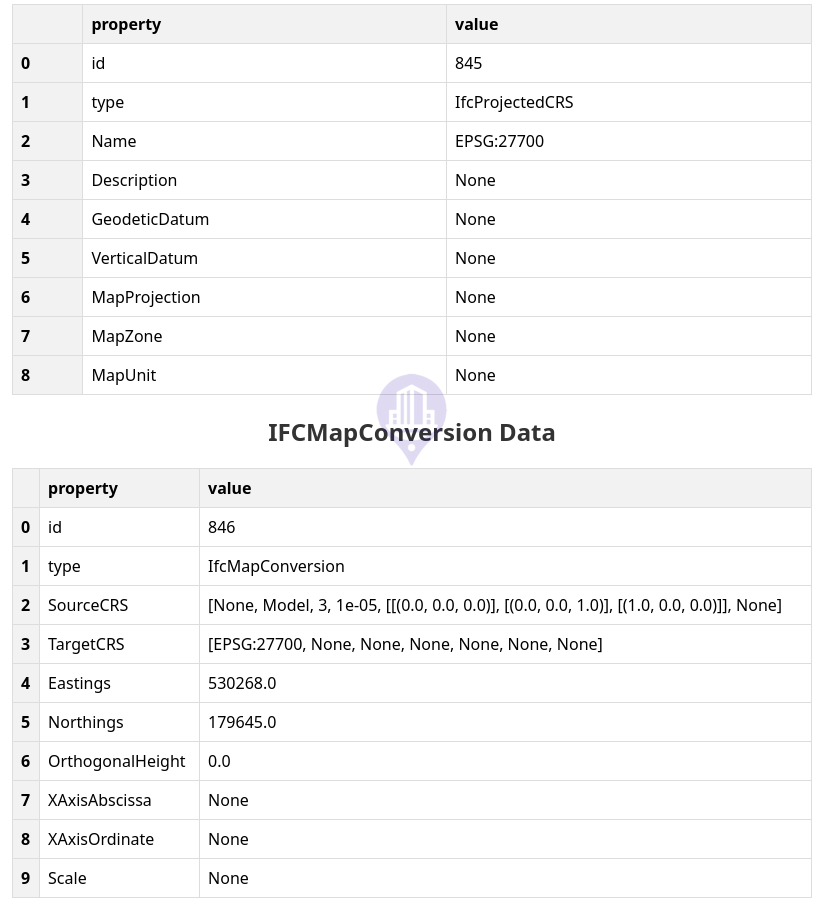
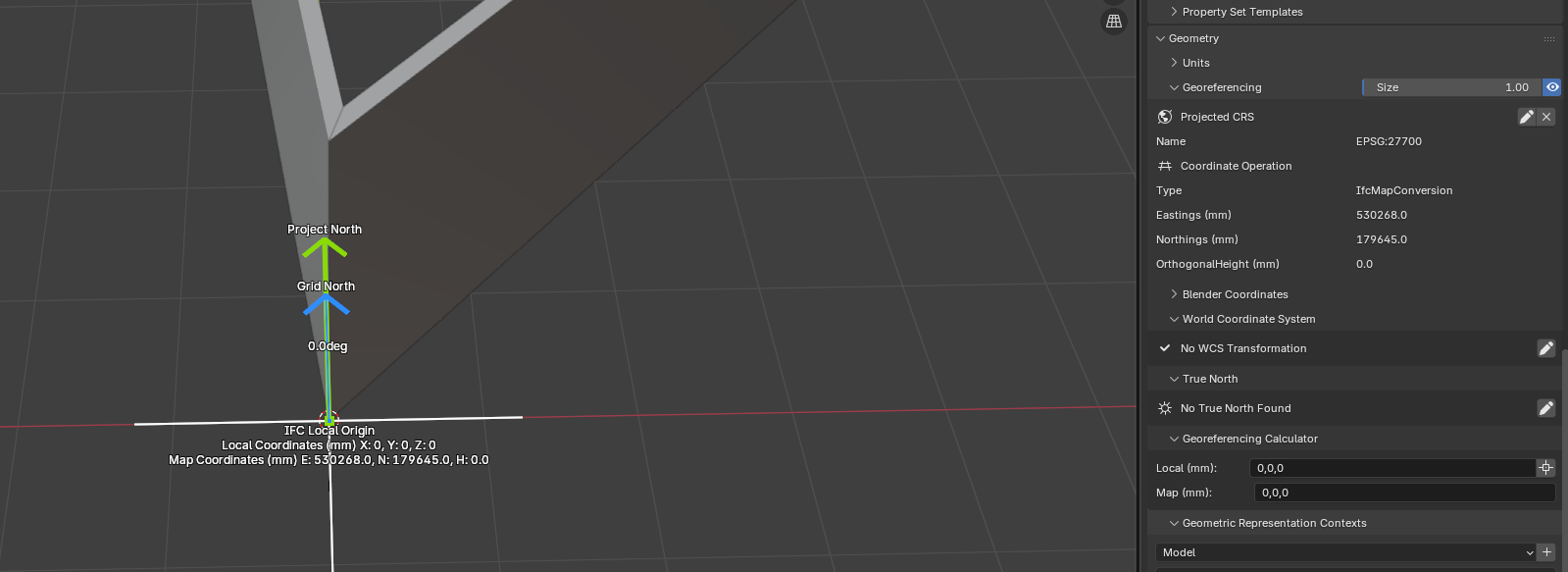
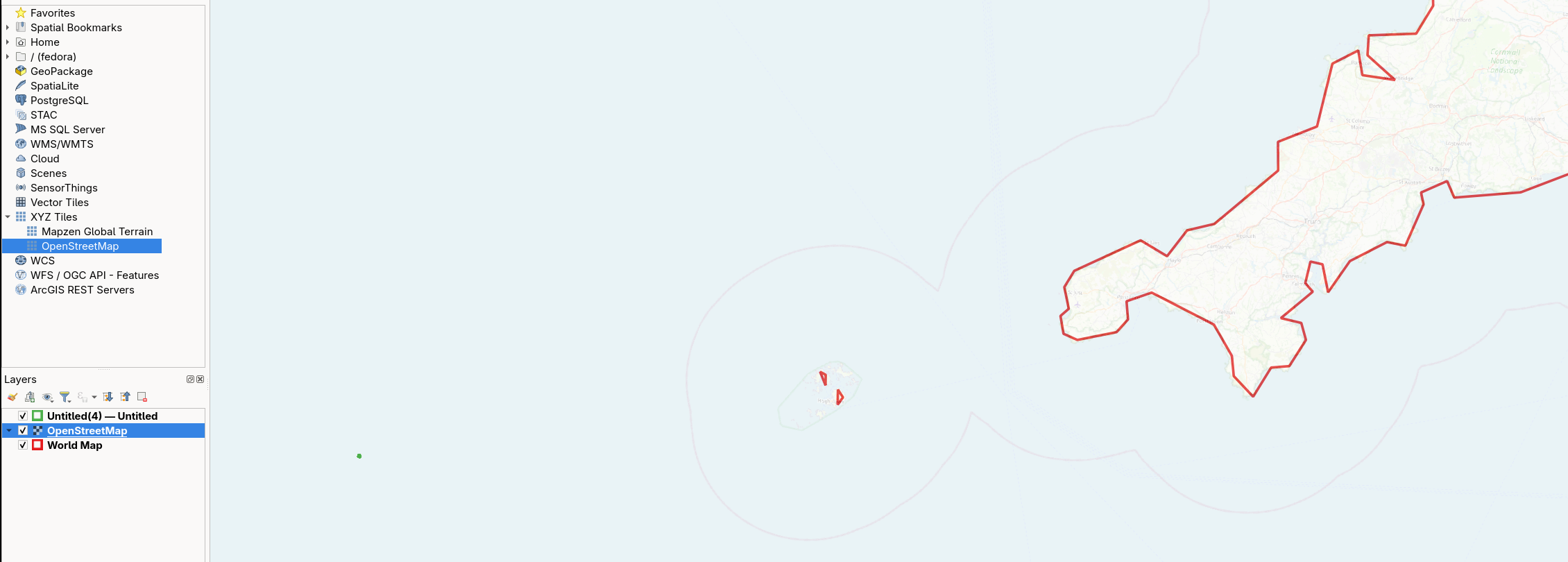
I'm currently tinkering with Bonsai to see if I can get it to play ball with QGIS. I've created a brand new file and added some basic walls in after setting the CRS to be EPSG:27700 (UK) to a real location 530268(Northings)/179645 (Eastings) to see how this loads via this plugin that converts it to an GeoPackage (Link: https://citygeometrix.com/ifc2gis/). I've validated that the IFC has the correct EPSG and E/N on this website (https://ifcgref.bk.tudelft.nl/upload). However when I load on the map or into QGIS it loads the file in the middle of the ocean! Am I missing something obvious?
Tagged:

Comments
@bsmith
I don't think the converter is working, I also tried with some dummy element and
even in the video georeferencing wasn't working either
he imports the converted json and drags it to destination, so maybe it's still a work in progress?
Let's hope others here have a better feedback
Ah okay - good to know it's not me causing the issue (well it still could be). Would be interested to know if others have the same problem - if so I'll raise an issue on their git.
I don't generally use Bonsai but eastings and northings are typically given in metres but it looks like the bim model is in mm. Try multiplying your eastings and northings each by 1000 to convert to mm in your BIM model before putting it through the IFC converter?
@wrongbutfaster
yes, makes sense to have Easting/Northing in m
In my test above I converted the file to m and adjusted the E/N values, in both cases (x1000 in the same file as you propose or export it to m) the result is the same
Yeah just chipping in that the eastings and northings look incorrect (i.e. they look like meters, but the unit says mm). If you want you can have project units in mm but map units in m by specifying the scale value in the georeferencing settings.
Thanks Dion I assumed it picked up the Project Units (mm) and converted it to M.
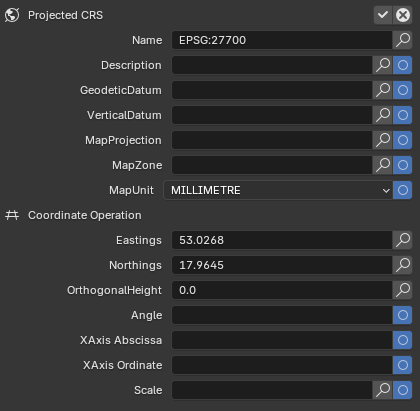
Currently when a project is created (mm) that gets hardcoded into the MapUnit property as millimetre (unable to change in GUI). Should this be ignored and the value input in Coordinate Operation simply as Meters?
Ah I was converting it the wrong way...x1000 (not /1000) correctly geolocates it (here: https://ifcgref.bk.tudelft.nl/):
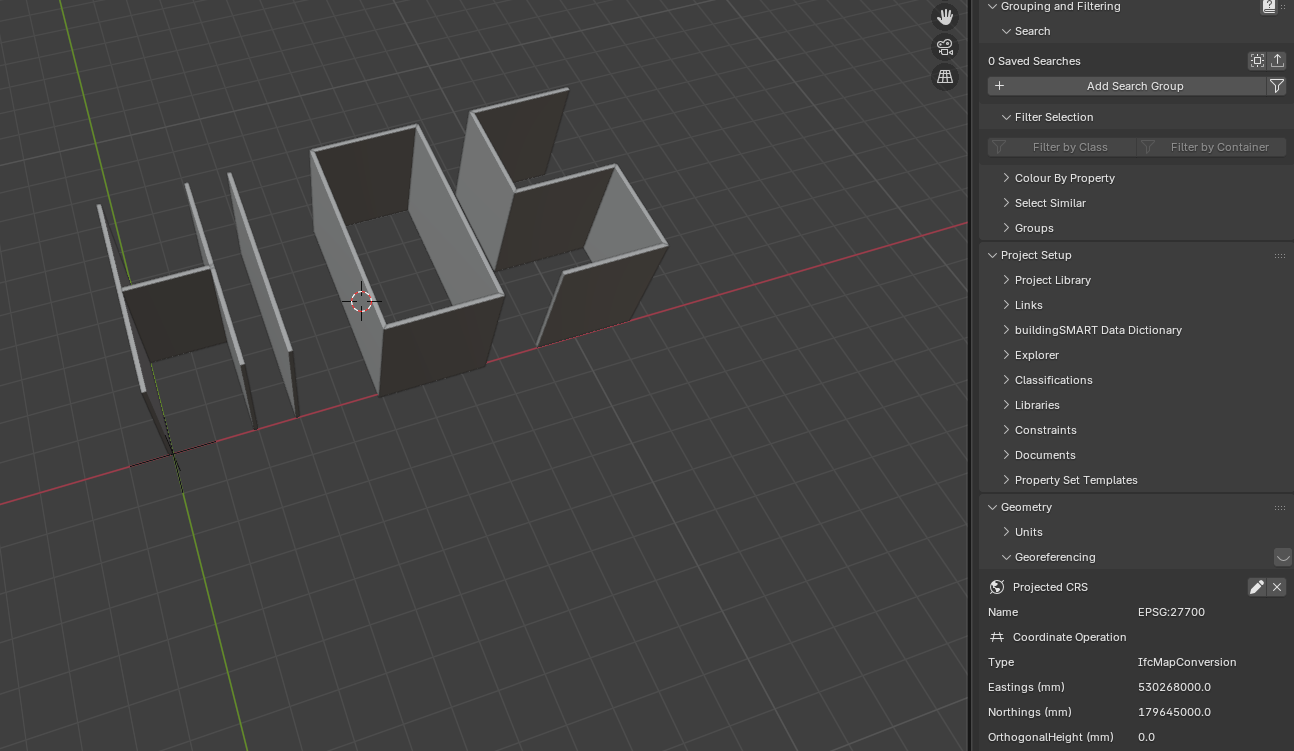
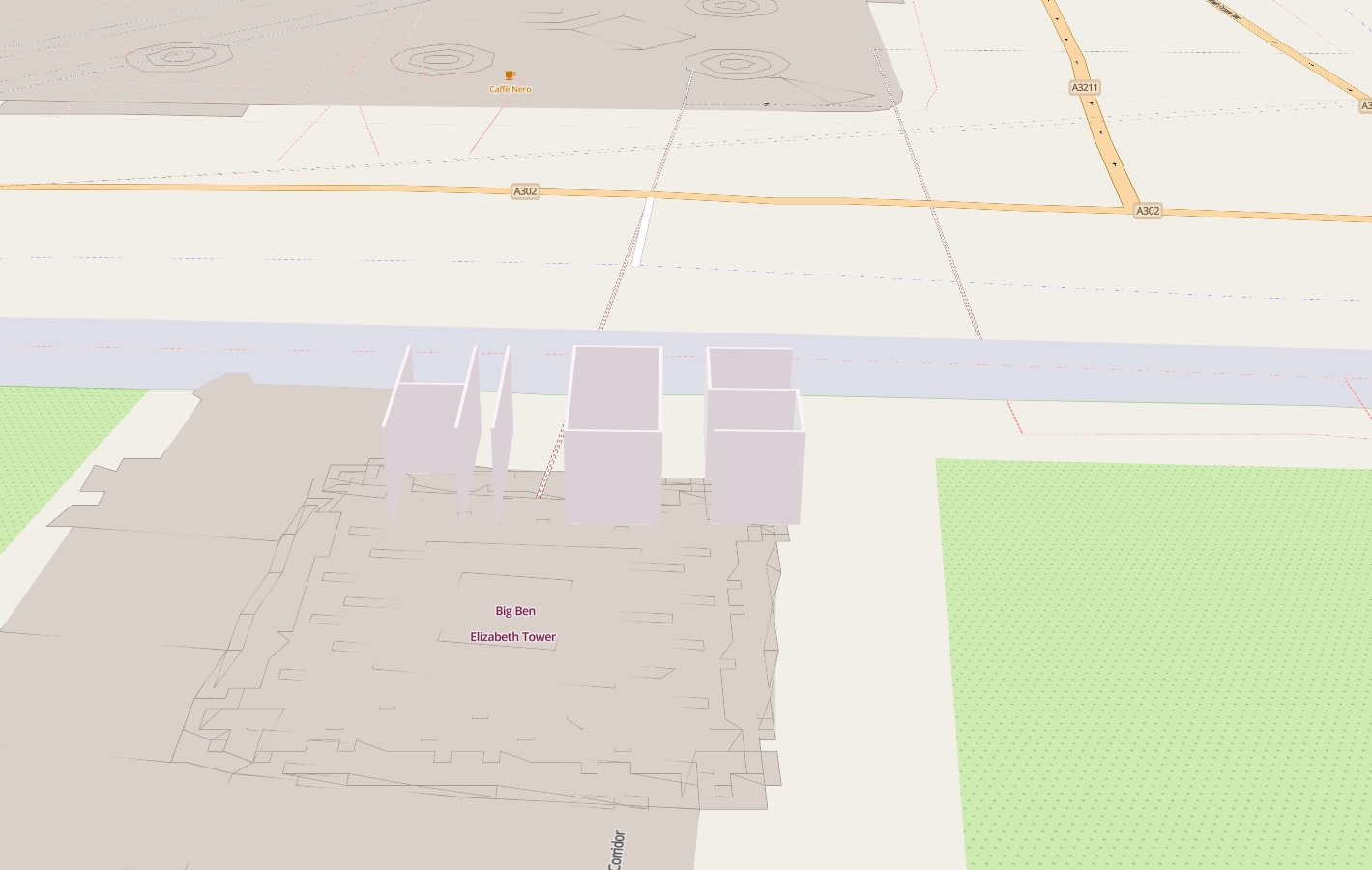
Looks like the bug is indeed in the Ifc2Geopackage (although it may be more of an issue with Geopackage/GeoJSON than their script https://gis.stackexchange.com/questions/407679/does-geojson-not-support-different-projections)
Will keep digging in case others are interested!
@bsmith
I didn't know that viewer , very handy, thanks
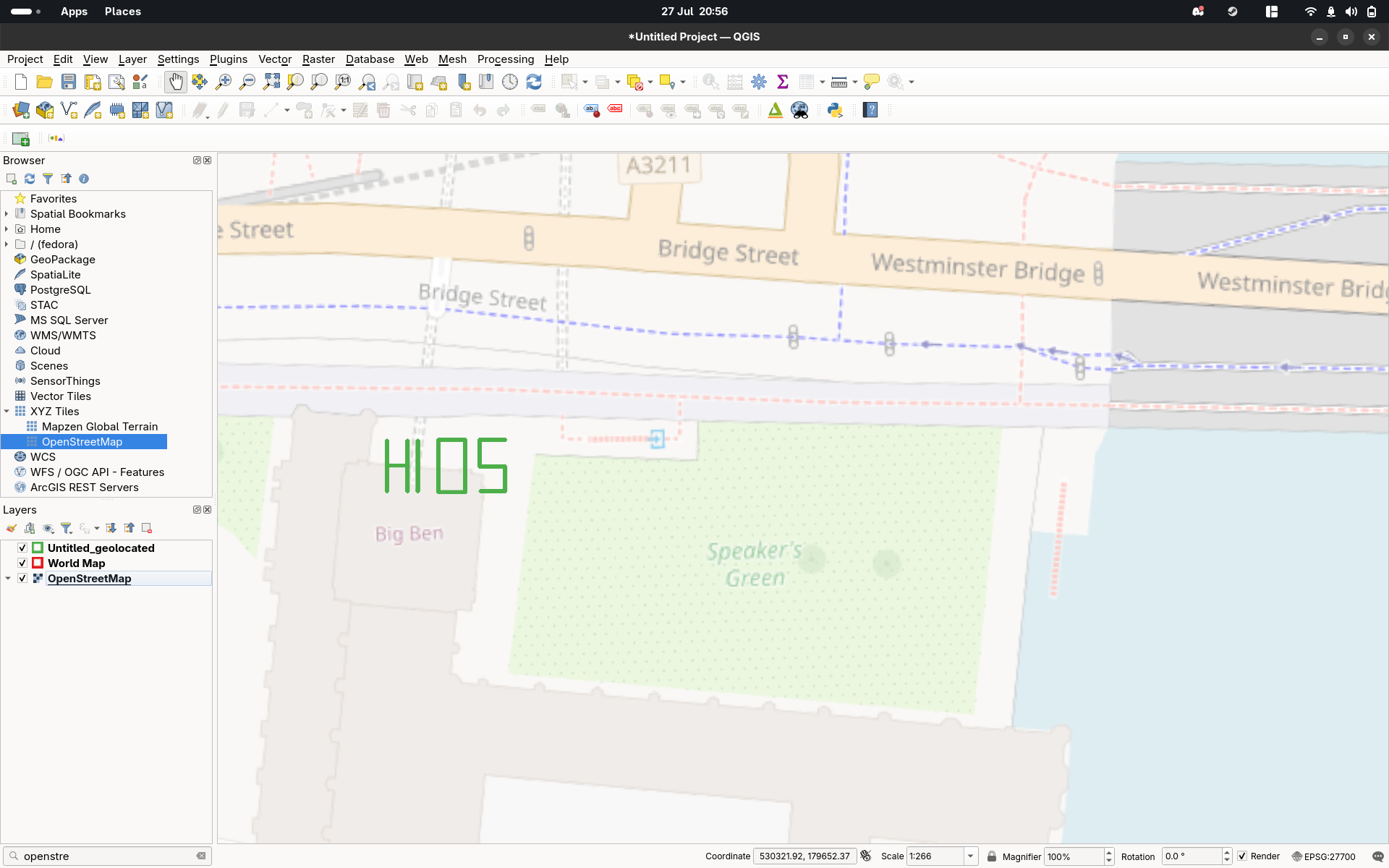
So update from me, the dev managed to find the root issue within web-ifc viewer (bug https://github.com/ThatOpen/engine_web-ifc/issues/1404). The translation and rotation described in IFCMAPCONVERSION were not being applied to the geometries extracted by web-ifc. The dev put a temp-fix in to the live tool (https://citygeometrix.com/ifc2gis/) and now it correctly exports to geojson which can be loaded into QGIS:
I'm trying a view thing but georefecering seem ignored on import Qgis with geojson.
Can you place this anything in the Netherlands for me? EPSG 28992
Models can be found here. Or a pre-georeferenced one attached.
https://github.com/buildingsmart-community/Community-Sample-Test-Files/blob/main/IFC 2.3.0.1 (IFC%202x3)/SDK%20-%20S1/README.md
@magicalcloud_75 I had a play with your attached .ifc. It converted via https://citygeometrix.com/ifc2gis/ into a GeoPackage that loaded into QGIS at the correct elevation:
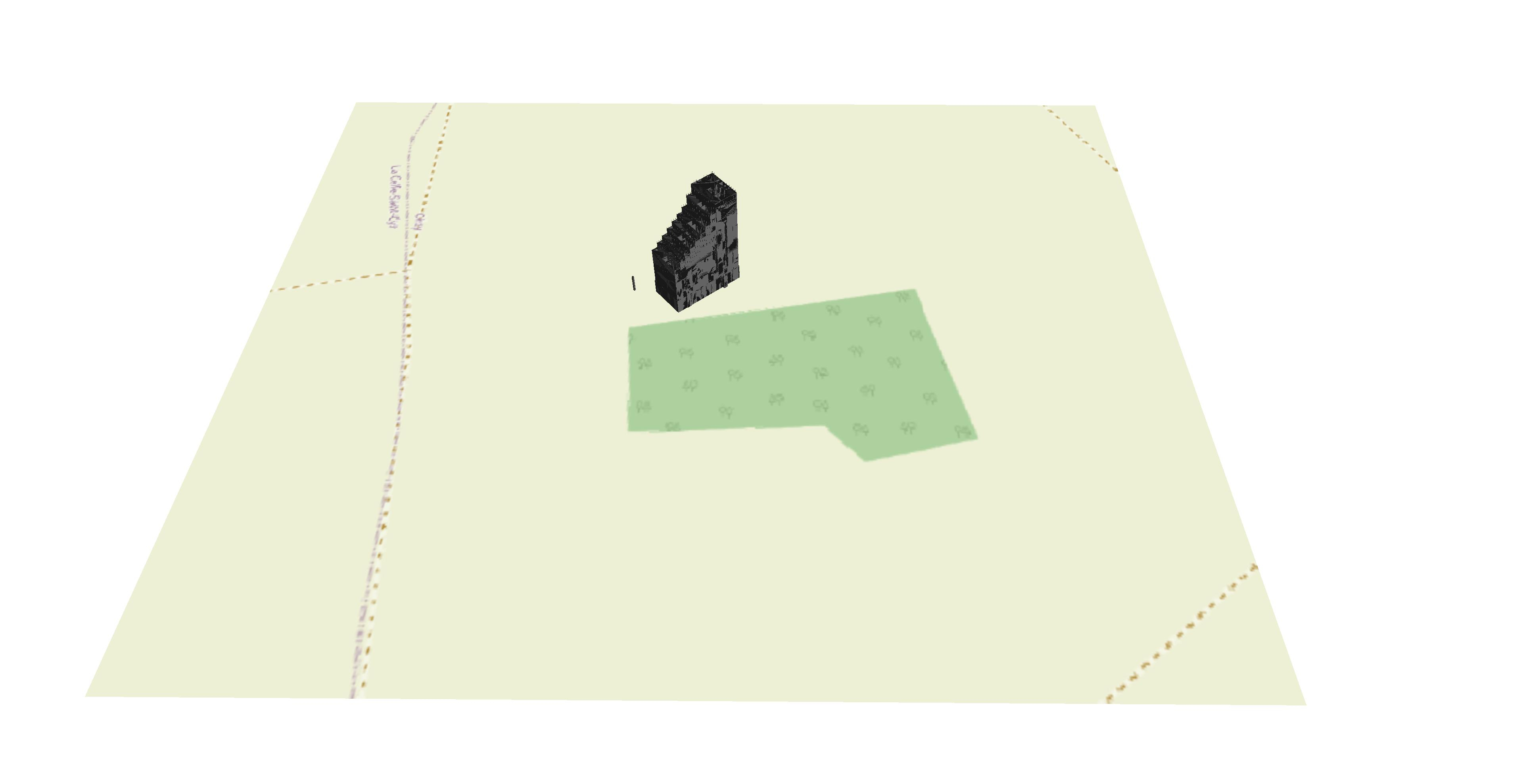
However, the given coordinates place it somewhere in France.
Note, as Dion advises above, the Scale needed setting to '1' in Blender, the .ifc re-saved etc before converting to GeoPackage. I'm not sure if that affects the location too.
Hey folks, I am the dev of ifc2gis and it's a pity that I missed this (relatively old) thread.
Indeed, there were some issues with the management of georeferencing with GeoPackage exports. They have been fixed now in the new version of the tool (https://ifc2gis.com/app). I tried the model provided here and it lands at the right place.
@abdou3dgis
thanks
you might want to mention that now the webapp is paid version?
cheers
Only the Auto simplification pipeline and SHP exports are paid. The Manual filtering workflow (which is the improved version of the previous tool), is still free. The GPKG and GeoJSON exports are not affected, (plus you get the viewer and the poly count stats, so this is really an improved version :-) )