

Rendering out lines in a texture in the SVG.

Does anyone know how to get the lines that show up in the 3d scene, to render out to the svg?
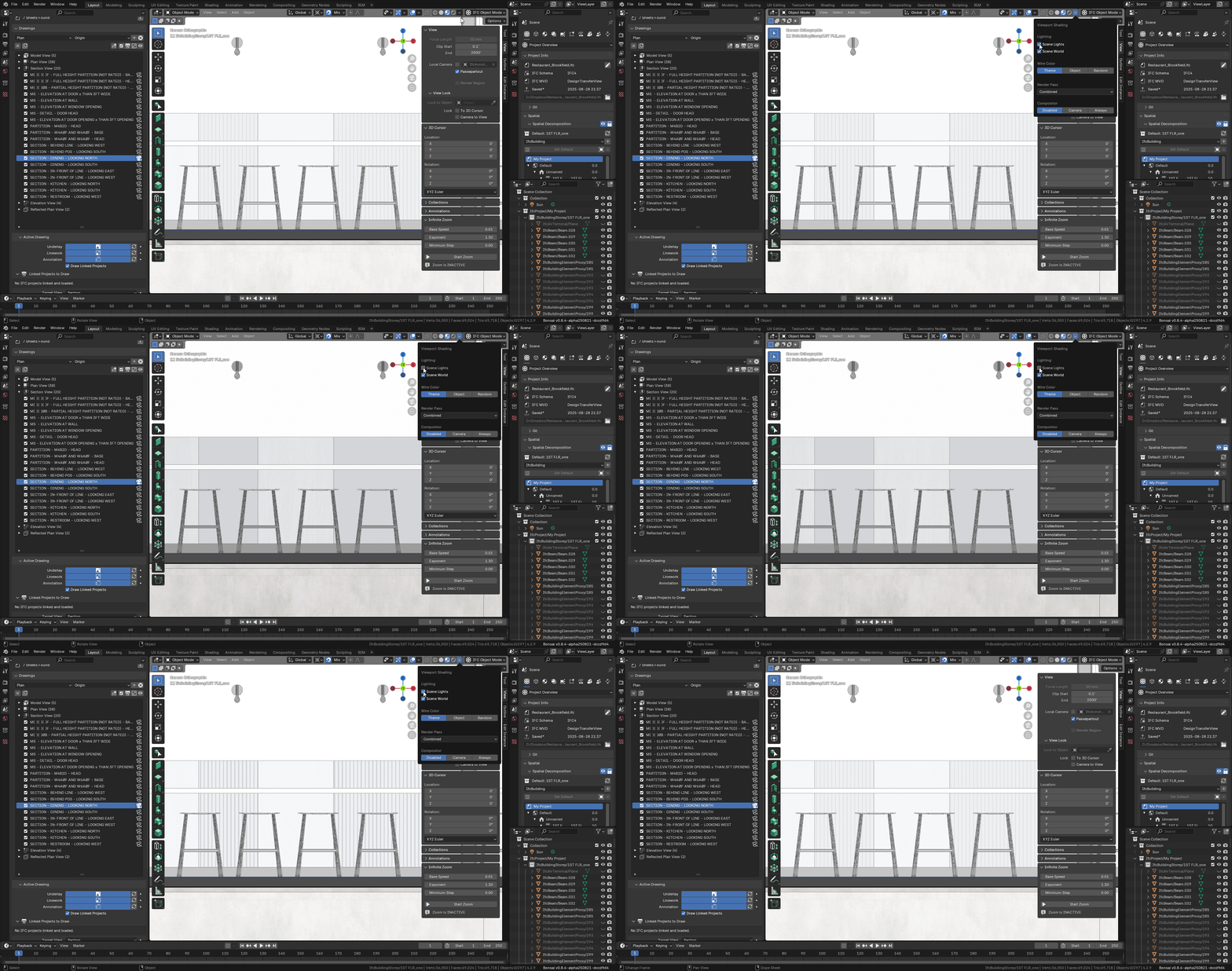
This is how it looks in the 3d
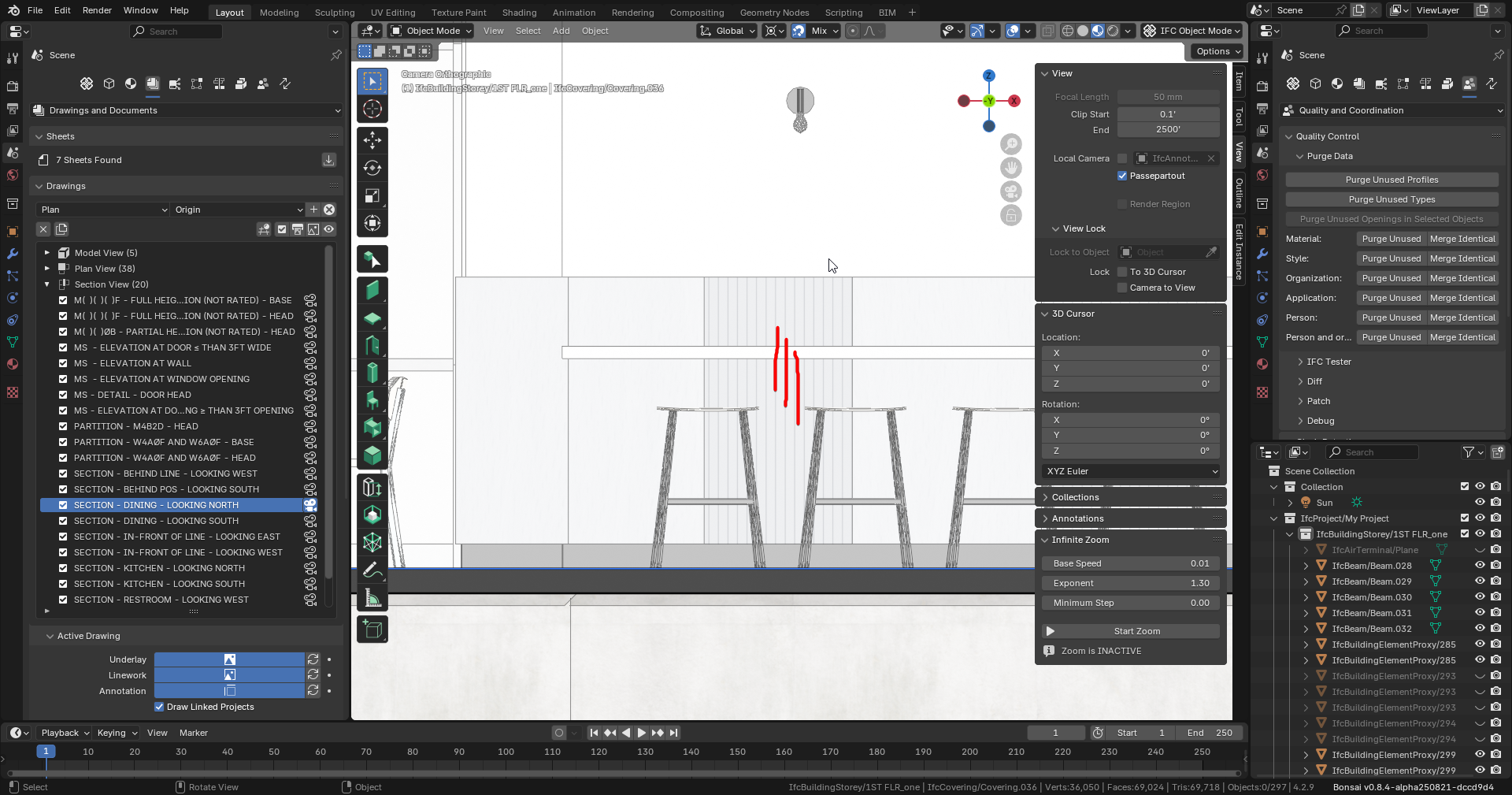
The is how it prints out...
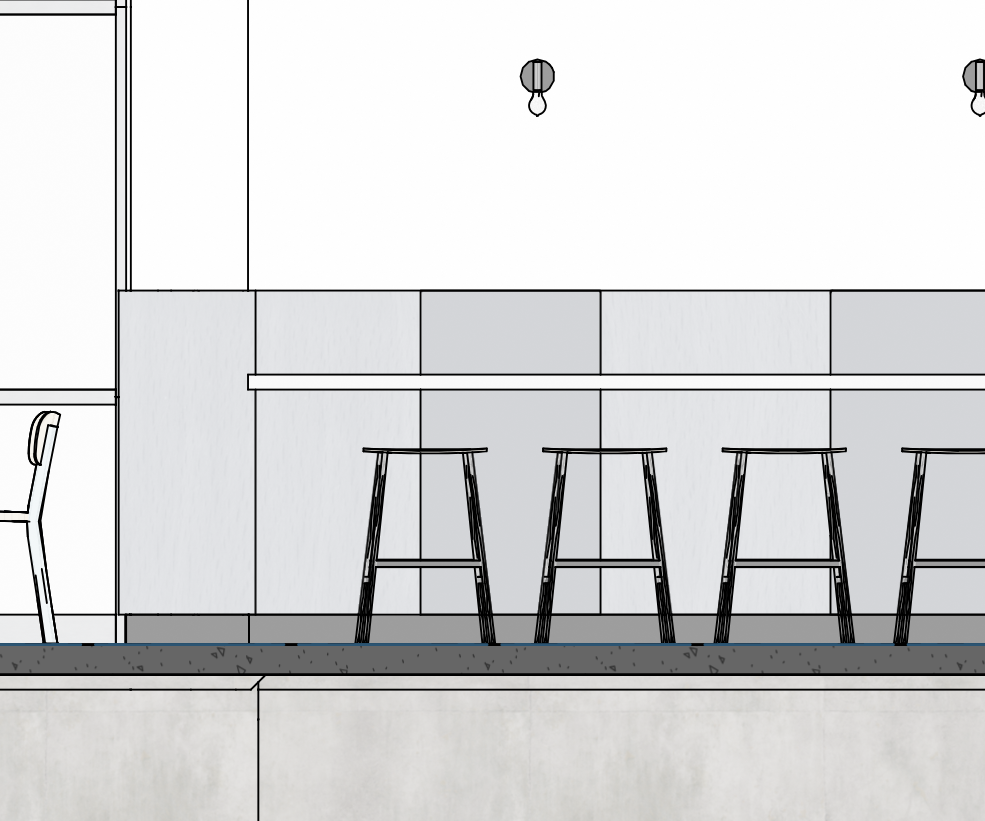
The view is SECTION - DINING - LOOKING NORTH.
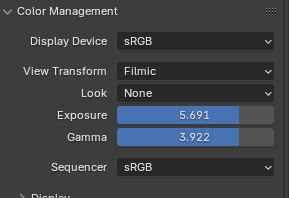
I purposely use high Exposure/Gamma to wash out the colors, so they're not so chromatic. Would like to maintain this if possible.
To try something different, use the following script to do a shallow and sparse download of all the
dependent files, including textures, drawing assets, etc.
Just copy and paste the entire script into Git Bash. Will take a couple minutes to download.
#!/bin/bash
set -e

URL="https://hub.openingdesign.com/OpeningDesign/Restaurant_Brookfield.git"
SPARSE_PATH="Open/Models/Bonsai"
COMMIT="df6ec32eb0fd50c74b047f5cc3f4a379caf8a04b"

# Extract repo name from URL
REPO_NAME=$(basename -s .git "$URL")

echo "Cloning into folder: $REPO_NAME"

# Shallow clone with no checkout, filtering blobs
git clone --depth=1 --filter=blob:none --no-checkout "$URL" "$REPO_NAME"
cd "$REPO_NAME"

git sparse-checkout init --cone
git sparse-checkout set "$SPARSE_PATH"

if [ -n "$COMMIT" ]; then
    git checkout "$COMMIT"
fi

# Shallow submodules too
git submodule update --init --recursive --depth=1 --progress

Comments
Ummm... What lines? I used the script, opened the file, activated the section, and...
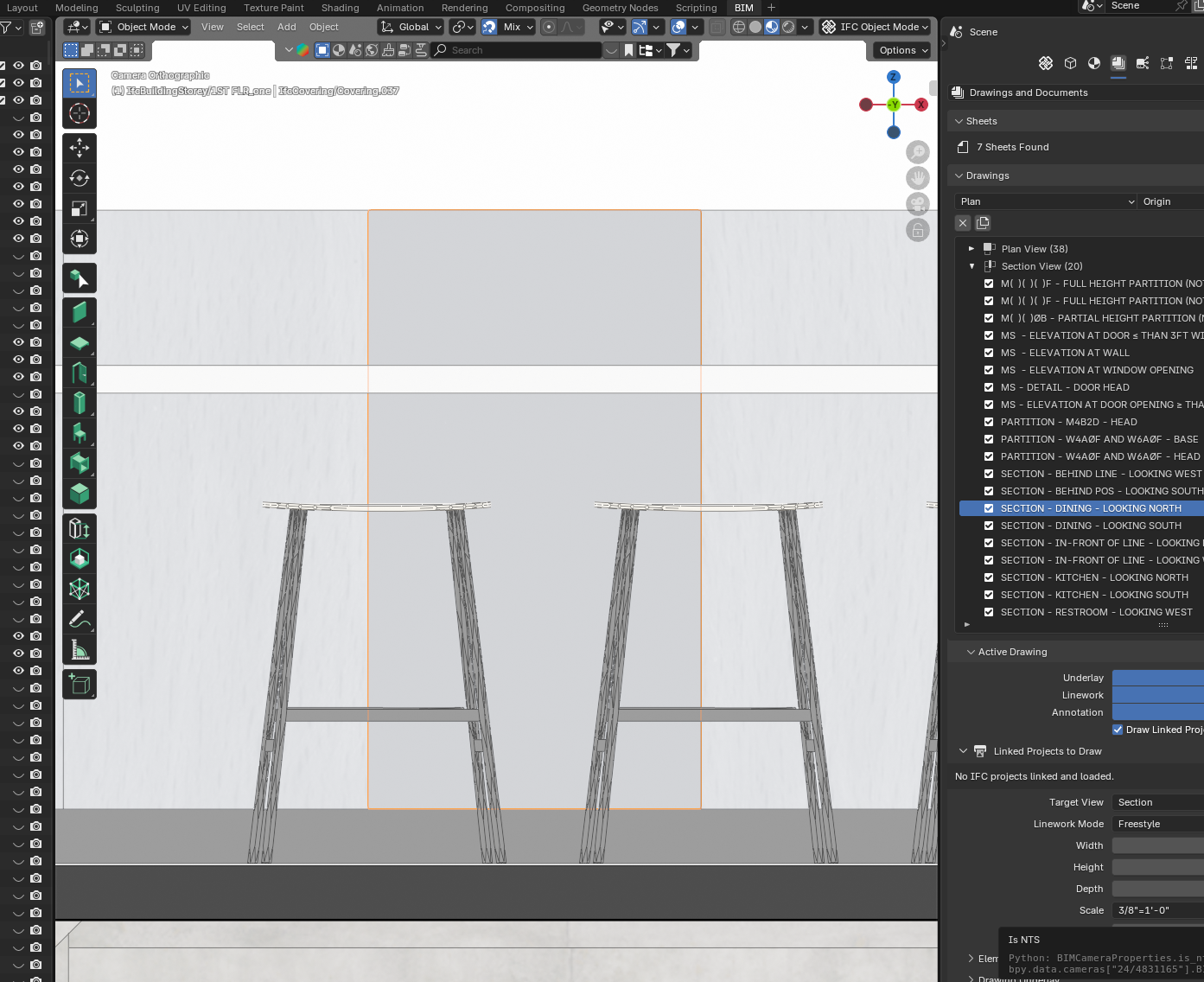
I tried to select the material, and couldn't follow through on the UI. I think the object is using WD 2, but I couldn't find WD 2 in the materials. I suspect it is using an external material with vertical stripes that I see in your external blend file. I did notice that that external material only has stripes on one axis. Maybe you need to tweak that ext. material to a box projection?
Hm.
Does this do anything?
I thought this setting should have been saved in 'Shading Styles'.
It's using
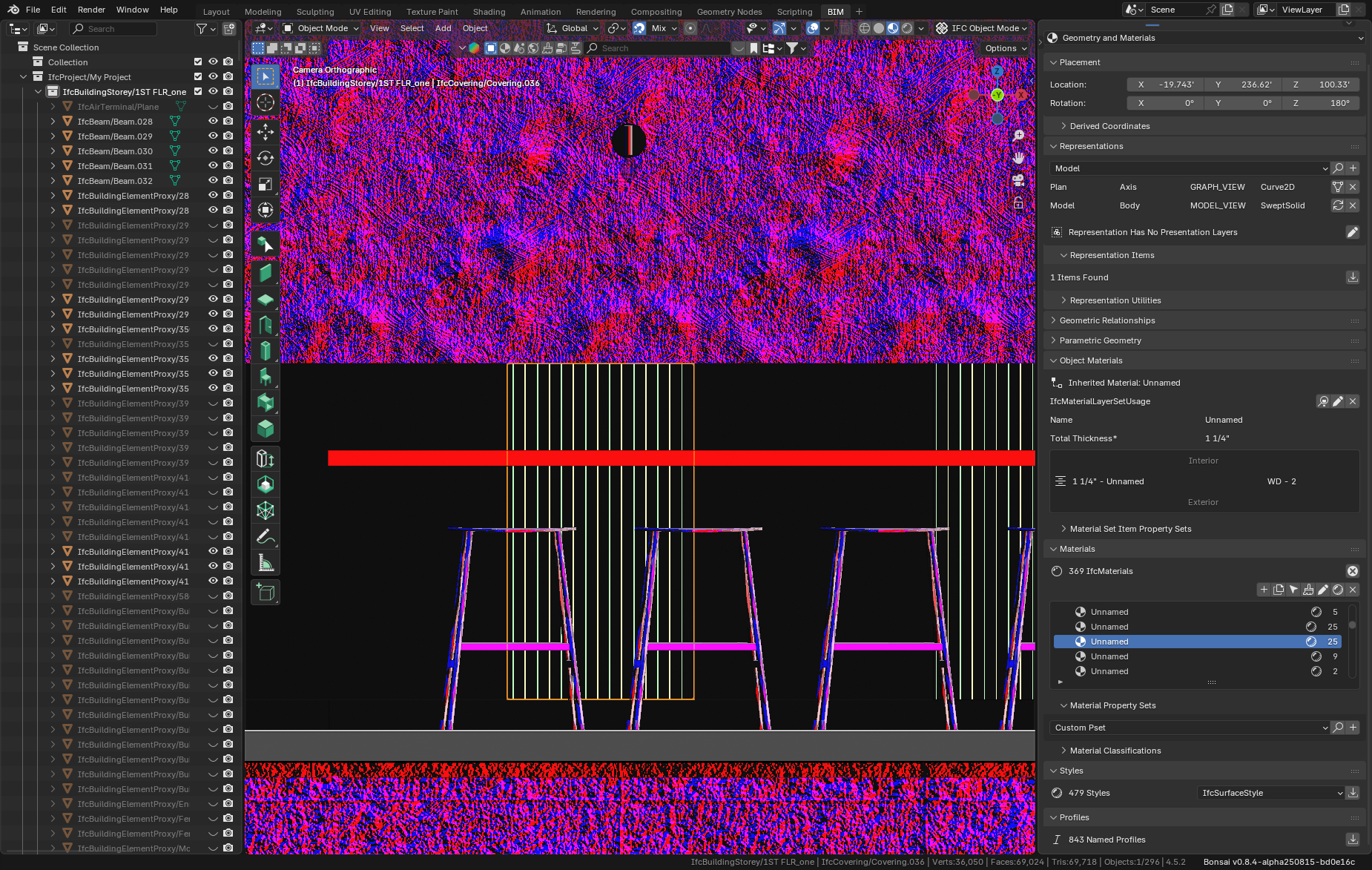
FK_Wood_Ribbedmaterial from...Open\Models\Bonsai\OD_Textures\Materials.blendNope, switching that value on and off makes no difference for me. I can however see the stripes if I switch the Render Pass to "Normal":

I wonder... If you switch to Rendered view in the 3D viewport (which I think is what is used when the underlay is generated) do the stripes disappear for you?
Perhaps more confusingly (for me at least), the WD - 2 material is not consistently named WD - 2 in my system. I can select it, but it is "Unnamed" in the Materials Panel, but WD - 2 in the Object Material panel. Trying to then get to the Style results in an error:
My Bonsai is a week or so behind yours. Am I missing some materials related fix or something?
Huh. I see very faint lines if I turn off "Scene World":
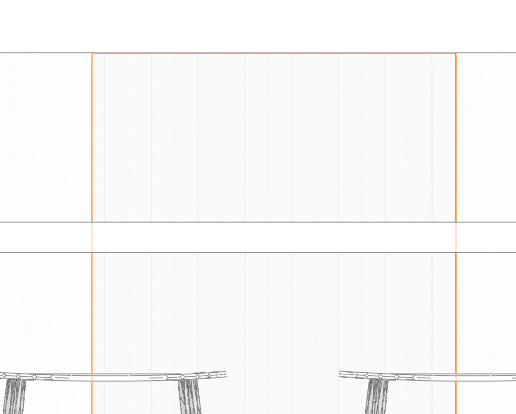
I wonder if this has something to do with shader compilation in our respective gfx cards. I'm running an Intel 630/Nvidia GTX 1050 Optimus laptop. I think Blender uses the NVidia chipset by default.
This is what i see under
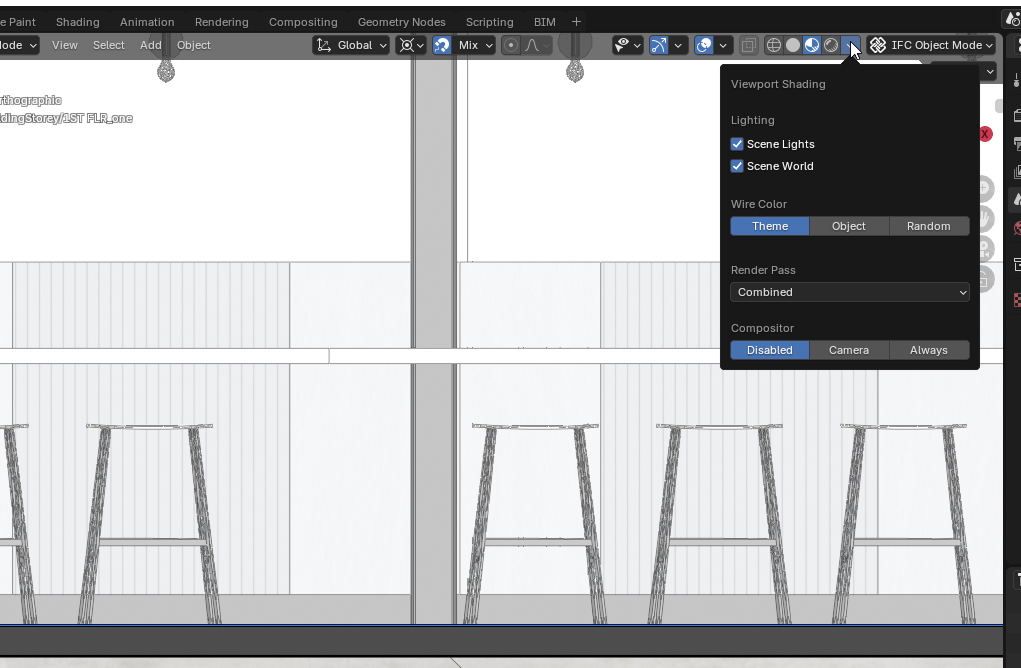
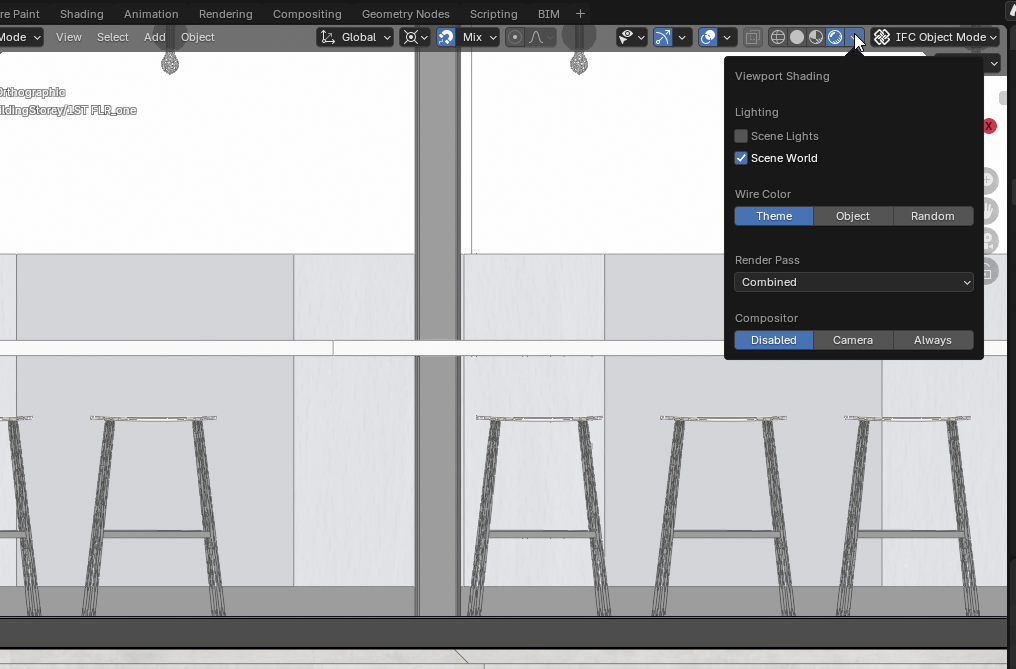
Material Preview...When i switch to
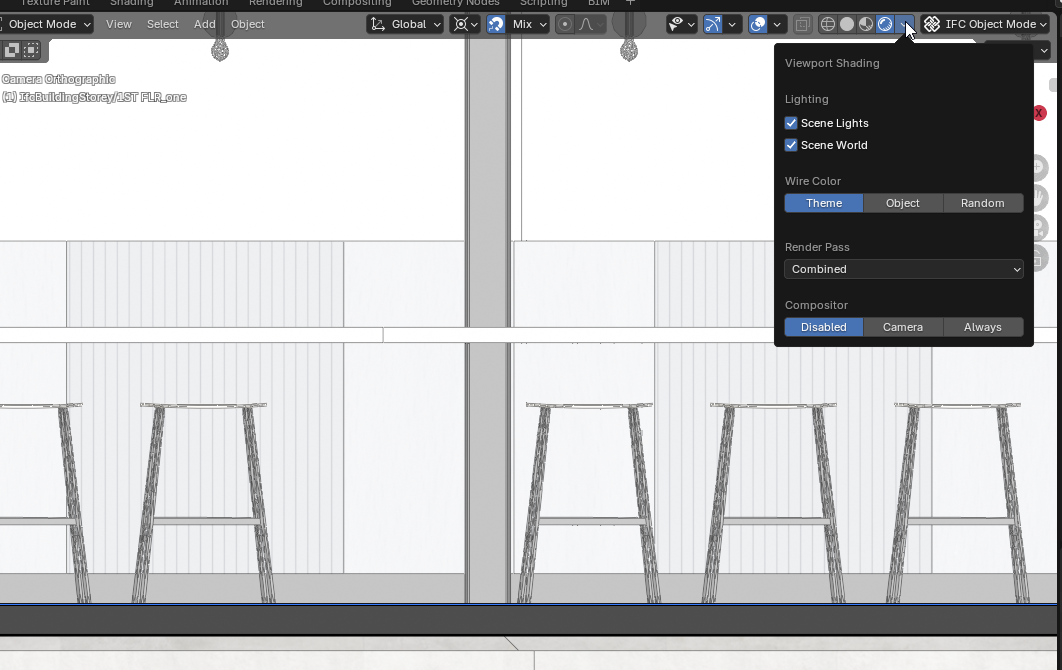
Renderedview i see...Notice how
Scene Lightsis turned off. I did not change this parameter.If i turn on
Scene Lightsit prints out correctly.I guess that's my answer I was under the impression that
Scene LightsandScene Worldwere the same for bothMaterial PreviewandRenderedviews, but i guess they are not.Pure conjecture, but I assume this is being set by:
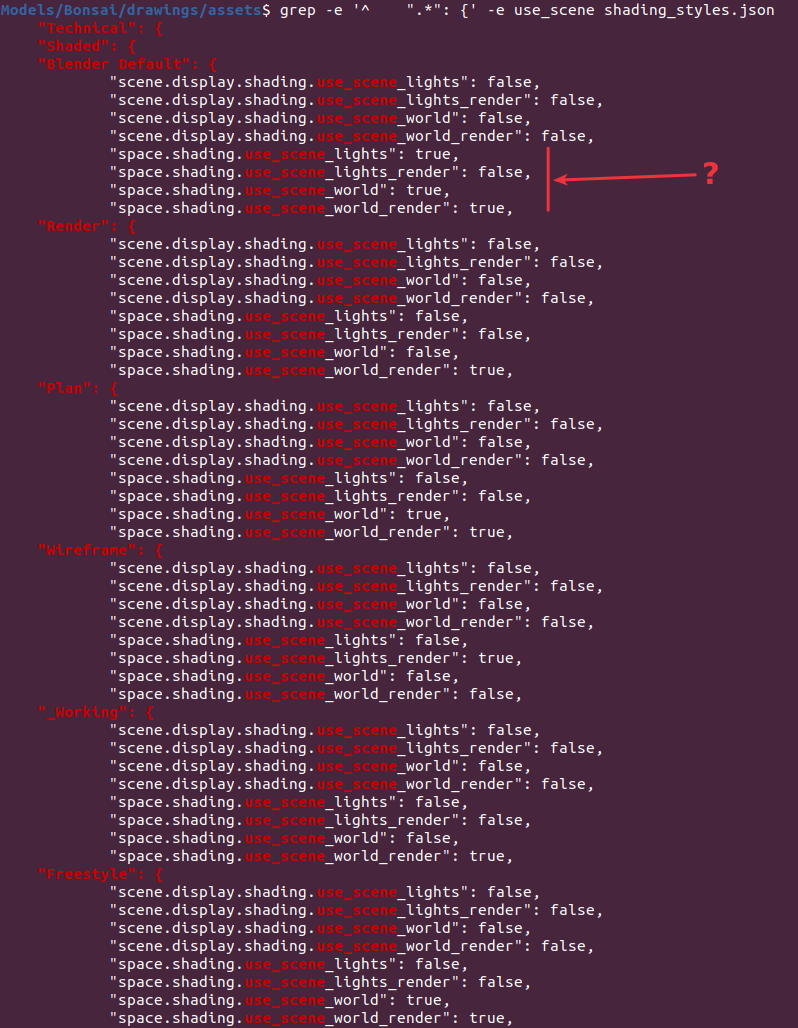
Still doesn't explain why it is different for me. Not important for you, but still puzzling.
Settings, settings, everywhere! :)
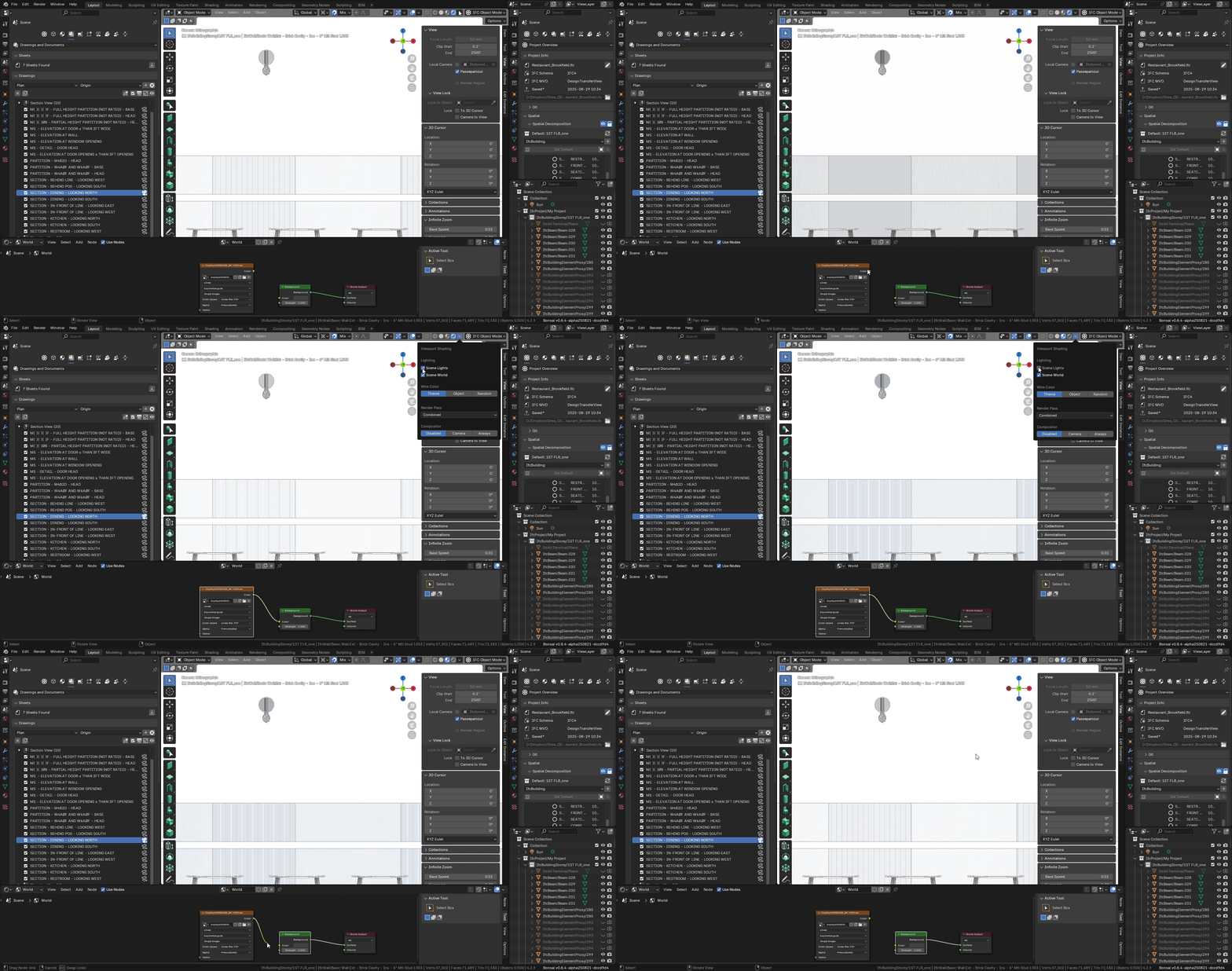
Can the Cycles viewport material preview be used as an underlay?
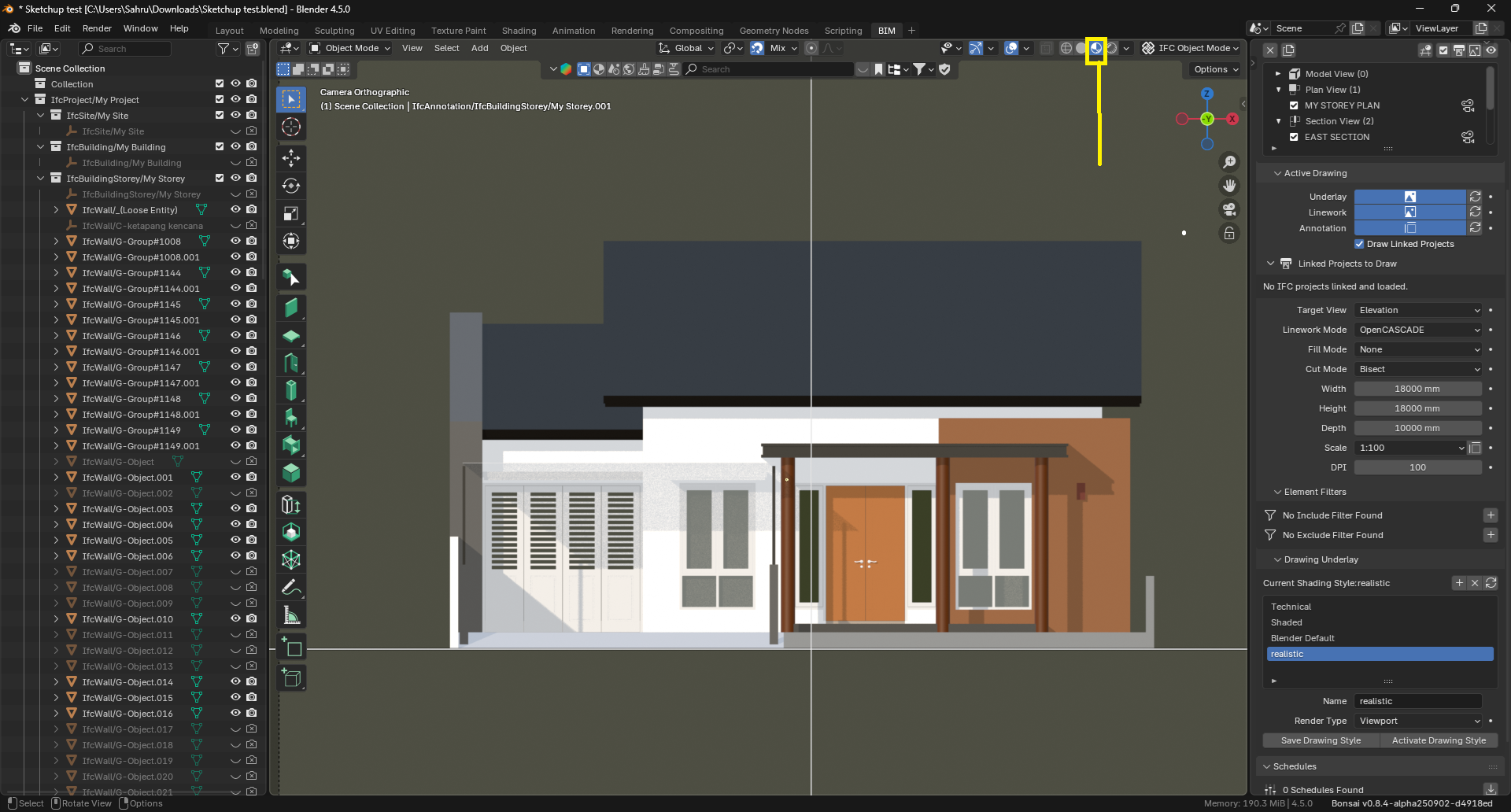
I'm not sure, i don't think so. Only the 'rendered' view will print out, i think. Could be wrong.