

Window that spans two storeys

I'm creating a window that spans two storeys, it's spacial container is the lower storey.
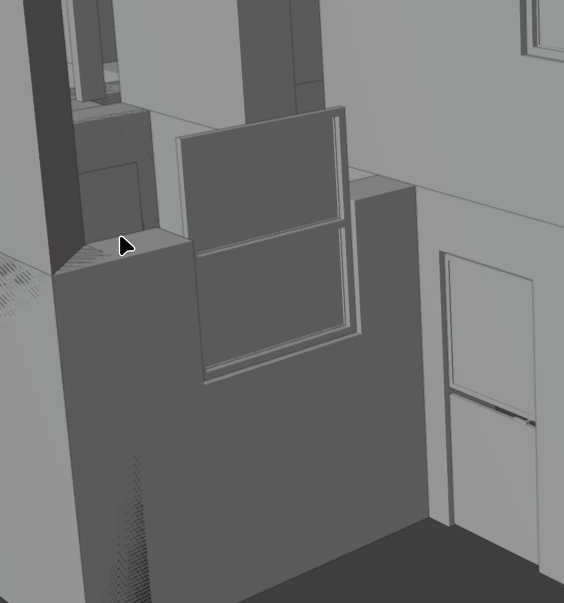
The void in the upper storey wall is not created automatically:
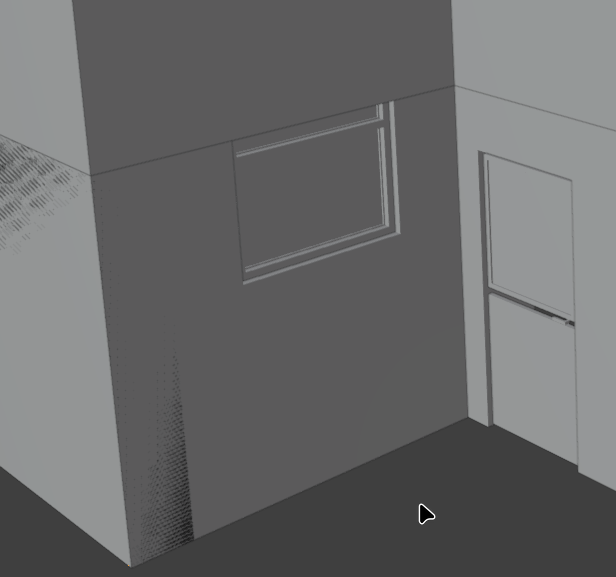
And nor does the void in the lower storey affect the upper:
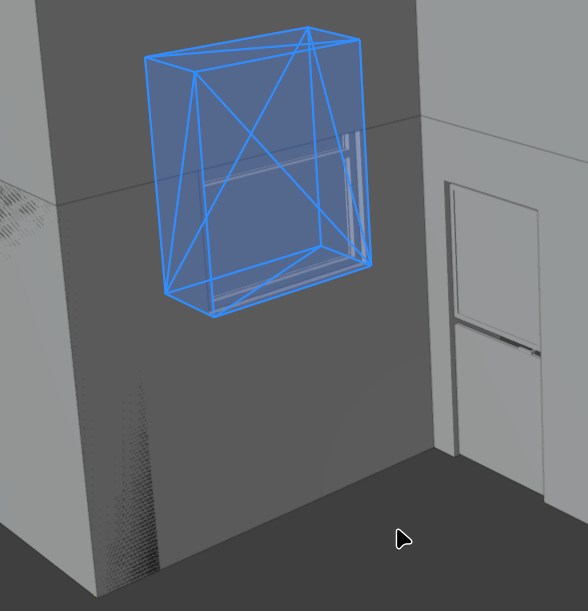
What is the best way to deal with this? A void created in the upper storey wall seems the obvious route but is there a better way? Is there an IfcRel class I should use and if so, how?
Thanks
Julian
Comments
you can aggregate the two walls
1. add window to any of the two walls
2. position your 3D cursor where you can find later, aggregate the two walls
3. select the first wall used to add the window > alt+O to show opening
4. select opening and shift+select the 'empty' created witht the aggregation (point 2)
5. shift+O to assign the opening to the aggregate
note
the two walls are now contained in the same spatial container where IfcElementAssembly is located
you can 'reference' the above wall to its storey too (its spatial container is inherited from the aggregate)
Brilliant, thank you @steverugi
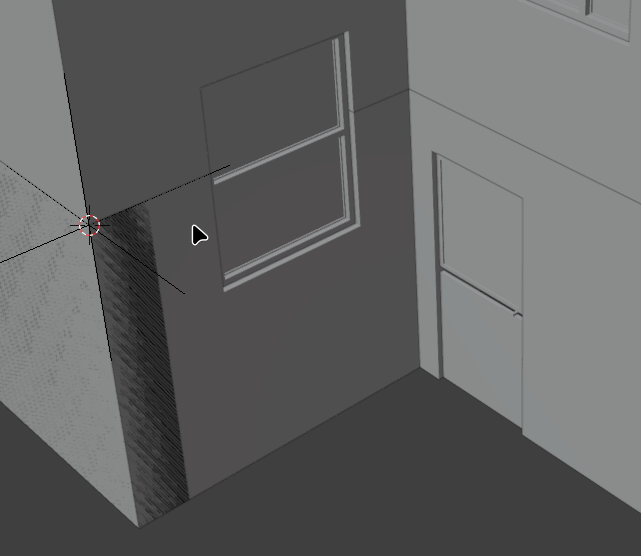
My walls have stayed in their respective storeys but I'll keep a mental note of what you say, if they start behaving oddly I'll move the the ground floor wall to Basement and reference it back to Ground Floor.
Update:
After closing and reopening my model the ground floor wall is in the basement storey, I guess the outliner didn't update. I'll add the reference as suggested.
The reason for closing/reopening was to have a clean terminal before running the IFC rule checker which returned a new error:
#8503 is the Rel placing all my basement elements into the basement spacial container - #4364. The basement wall - #6262 has been removed from that list but the window opening - #6228 has not. The ground floor wall has been removed from the ground floor IfcRelContainedInSpatialStructure and all three elements have been correctly related to the new aggregate:
#23784=IFCELEMENTASSEMBLY('1sB0f012b3NBCZreTu7K1m',$,'Basement.Wall.Stairwell.AggregateSouth',$,$,#23855,$,$,$,$);#23800=IFCRELAGGREGATES('3fpXsIQGv8EA7snlL3p_9m',$,$,$,#23784,(#702,#6262));#23866=IFCRELVOIDSELEMENT('1DT99GIoj5RwXAQszbgT09',$,$,$,#23784,#6228);Removing #6228 from line #8503 resolved the error.
I'll do some tests, it could be a bug and if I can reproduce it I'll report it.
Aaaaand no. Testing on a simple model like @steverugi's or on an earlier copy of my model the error was not repeated.
Wierd.
Note that instead of aggregation, you can just add another opening (admittedly there is no "filled" relationship from that opening to the window) to the wall in the storey above. You can then use an IfcRelReferencesSpatialElement relationship so that the window is in "both" storeys.