

"Shift + A" a.k.a. "Add Ifc element of choice" does not work.

Good Day, all,
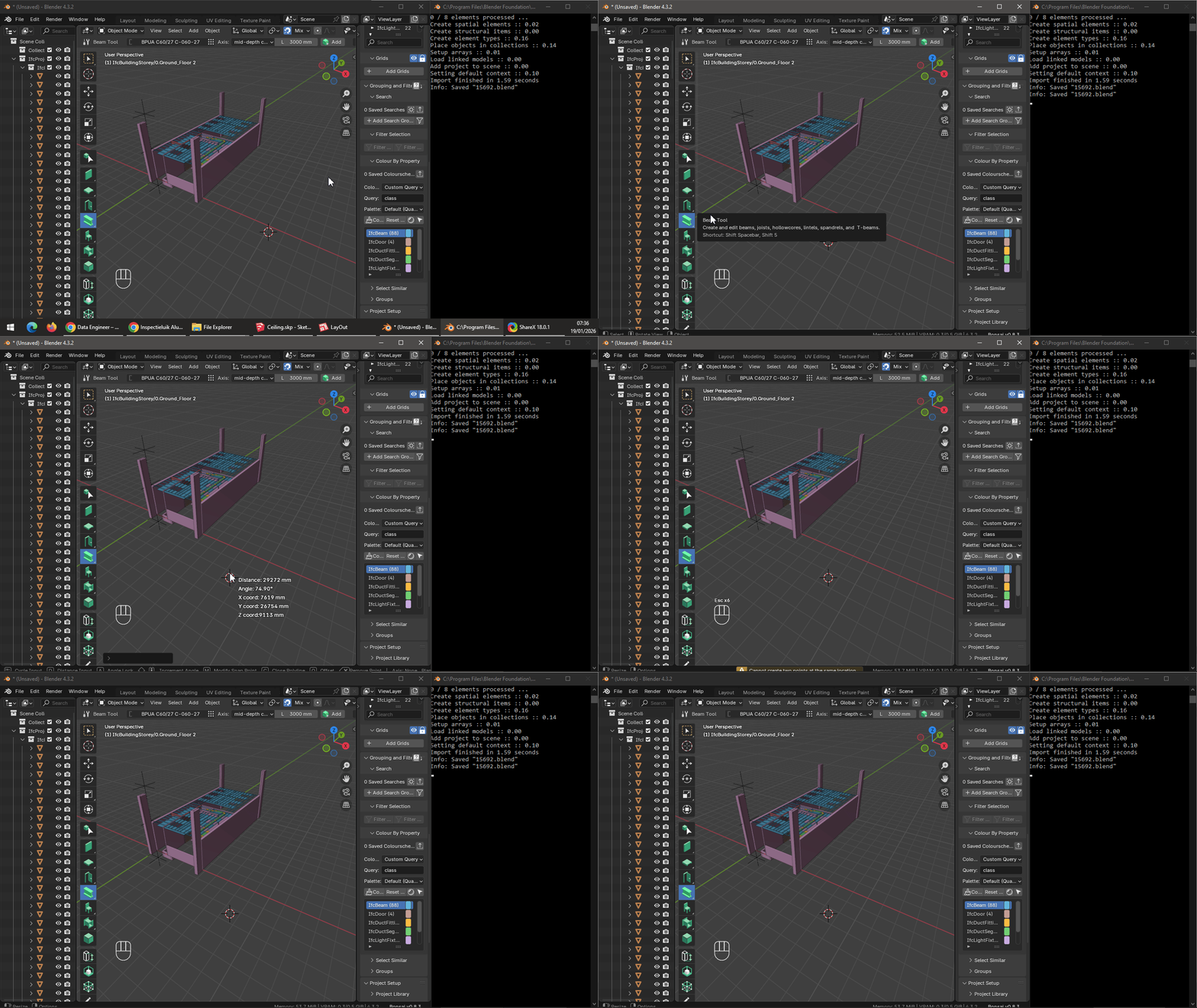
I am running into an issue that when I want to "Add" any Ifc element, instead of creating an element all I get is a coordinate-menu "splash screen" instead.
All was working fine, until it wasn't. Resetting Blender settings, and installing the newest Blender 5, and opening my .ifc file yields the same outcome. Also creating a new .ifc project, or demo .ifc project yields the same outcomes. Any ideas how could I resolve this?
Tagged:
Comments
Any output in the console?
@Armatura What version of Bonsai are you using? In the video it looks like v0.8.3?
I would suggest to install latest unatable release as per
https://docs.bonsaibim.org/guides/development/installation.html#unstable-installation
Cheers!
See below for latest version:
Cheers!
The
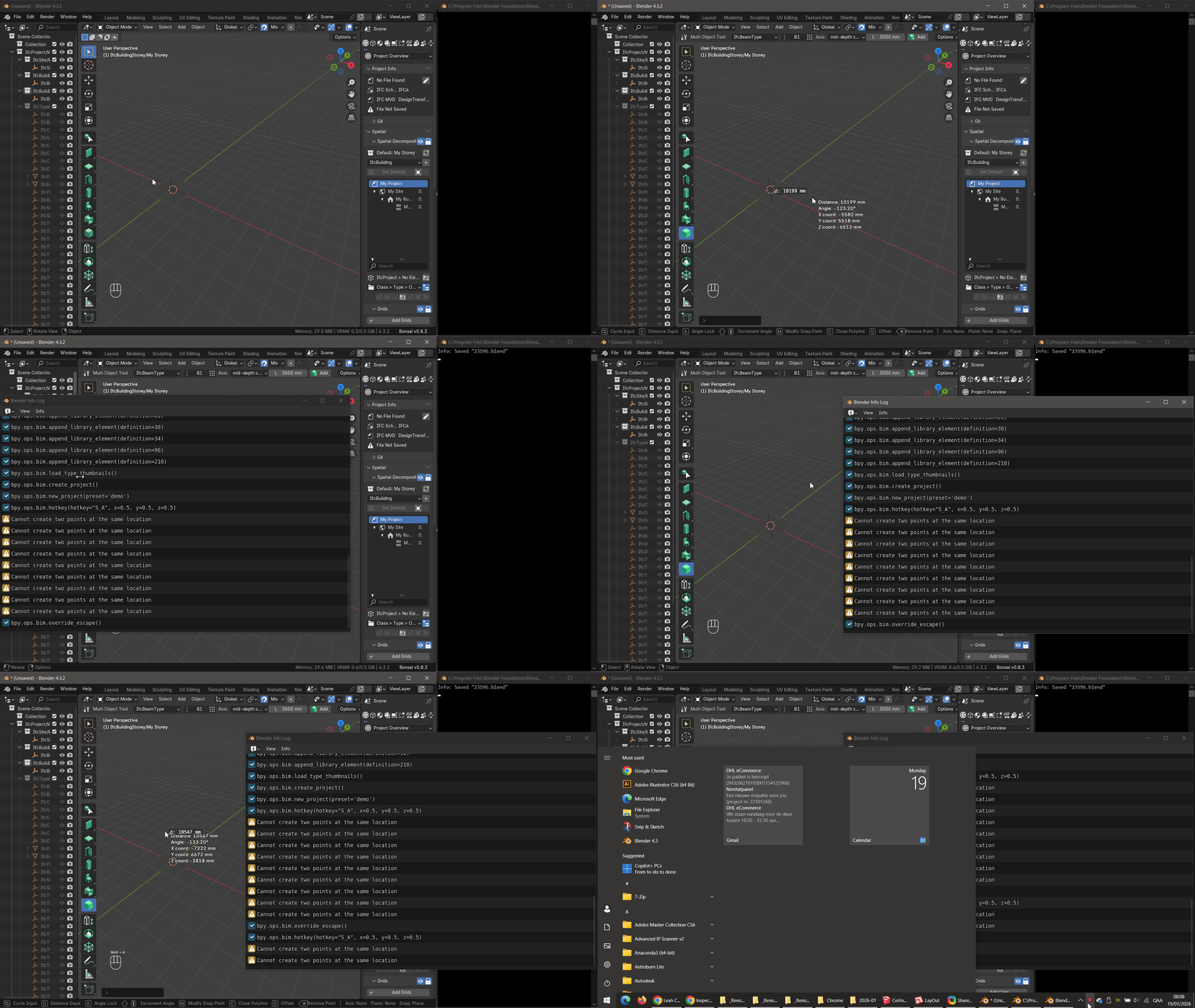
Blender Info Logdisplays the following when I try to Add an Ifc Element.bpy.ops.bim.hotkey(hotkey="S_A", x=0.5, y=0.5, z=0.5)Yes, I have Bonsai v0.8.3.
It started acting up this way some months time ago, but I circumnavigated the issue, by copying the existing Ifc Elements, and editing their Type and etc.
Diving deeper now, in order to fix this as also don't want to corrupt my .Ifc file (Again X).)
Id also recommend upgrading, it'll decrease the likelihood of corruption.
The console can be accessed via Window > Toggle System Console
Thanks! Turns out this is not a Bug, but a Feature!
It simply does not work on
Blender 4.3.2+Bonsai v0.8.3Combo.Does work just fine on
Blender 5.0.1+Bonsai v0.8.4as you showed.So I guess that
Shift + Astarted acting up some months ago, after Bonsai got auto-updated...