

Applying half space solid to part or the whole of a custom extruded solid

Hello,
When I model a custom extruded solid with one cube and one cylinder:
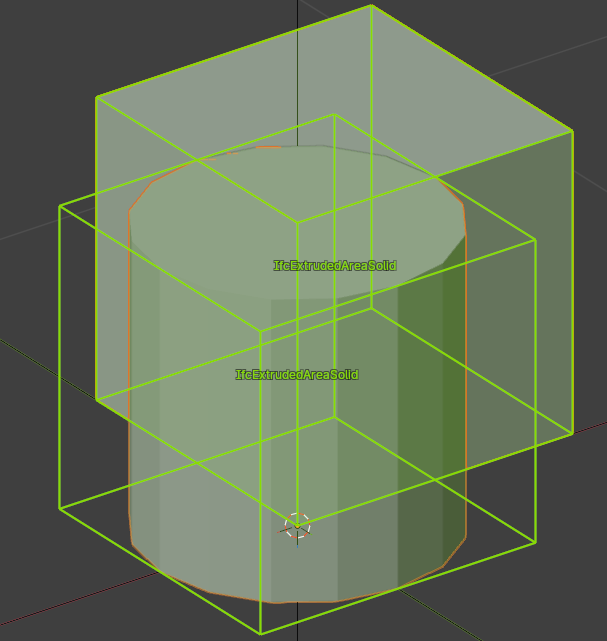
When I add a half space solid, how to decide if it applies to the whole or just to the cube or cylinder?
It appears both are possible, but the behavior seems quite hazardous, I cannot figure how to manage it?
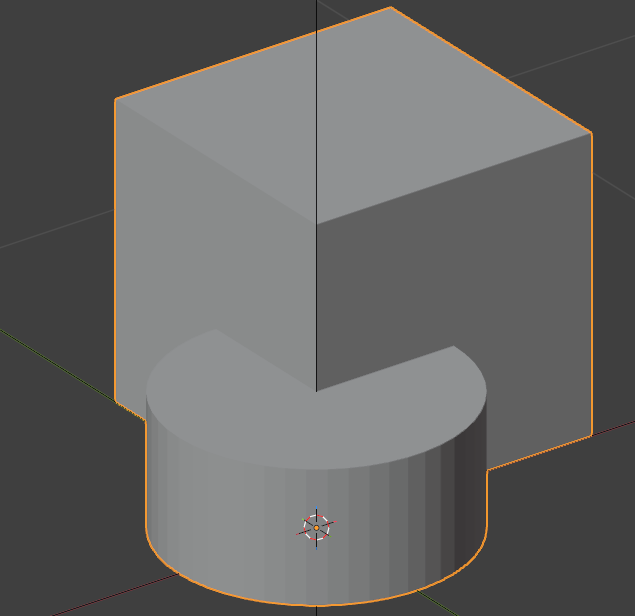
Adding the cylinder, then the half space solid, it cuts only the cylinder:
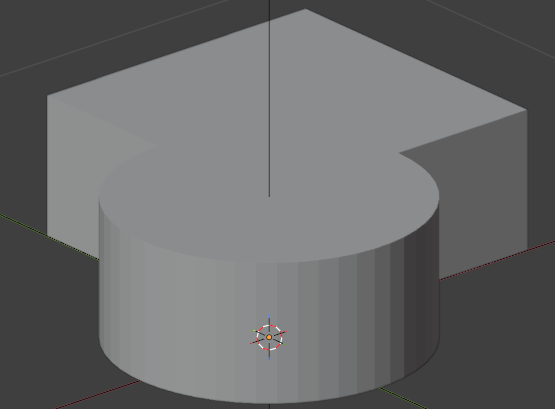
Removing the first half space solid and creating a new one, cut both:
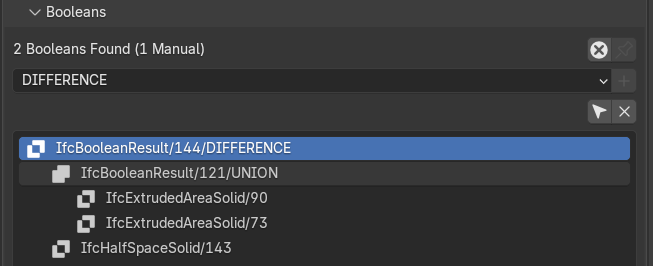
I'm also aware of this menu (Geometry and Materials > Geometric Relationships > Booleans) but it doesn't seem we can arrange stuff directly here:
Thanks!