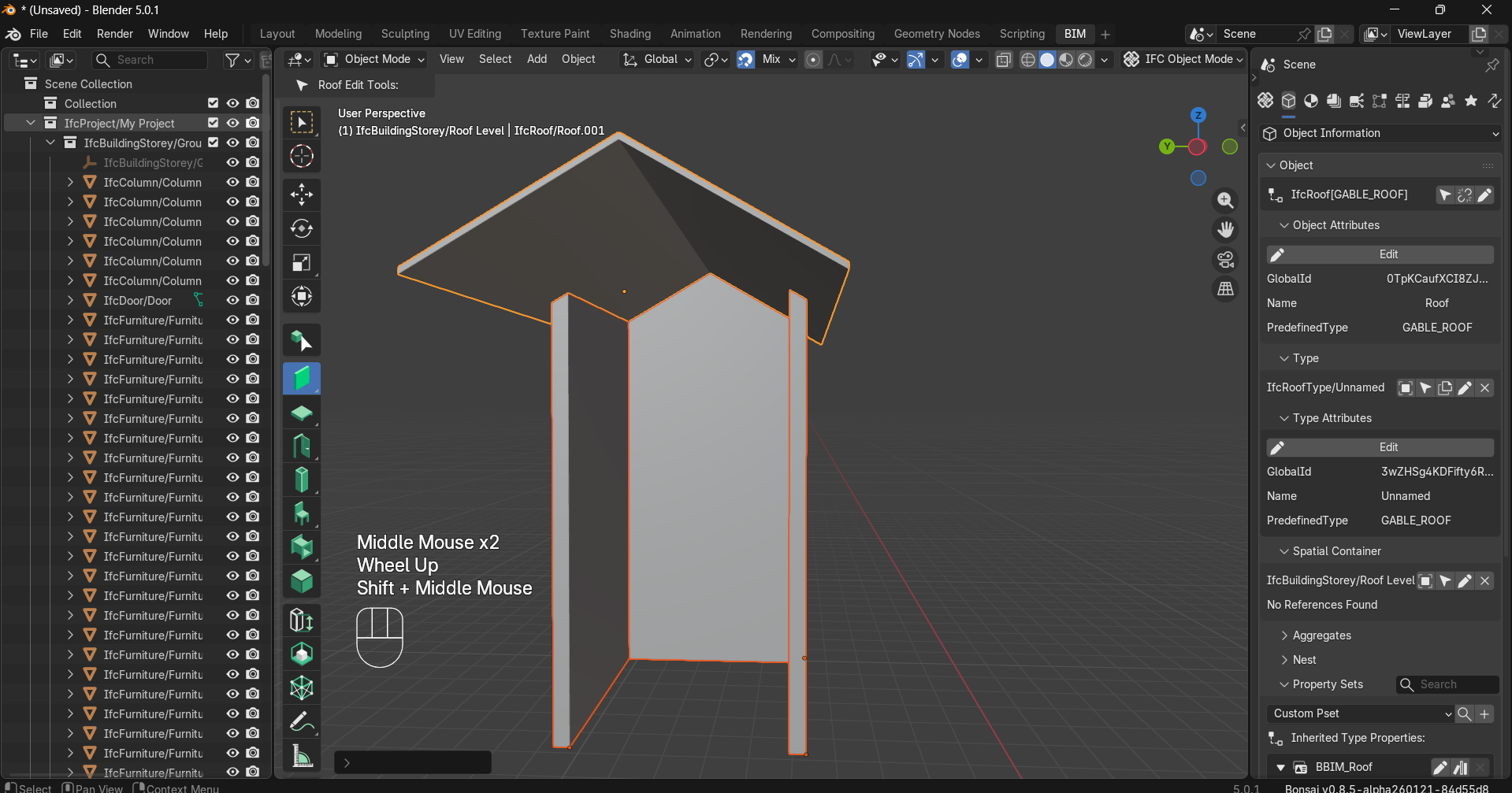
Extend wall to roof

Hi,
I feel like I have already found the answer to this previously, but for some reason now I cannot make sense of it, or else there have been some UI changes in the meantime - apologies if this is a repeat question, though I couldn't find an answer in the forum.
When making roofs, how do you make a wall extend and align with the roof geometry? Particularly with gable ends, I feel like there has been an automatic way in the past, where the wall geometry follows the roof shape so that you don't have to do any manual modelling... or maybe I am totally mixing it up with another piece of software.
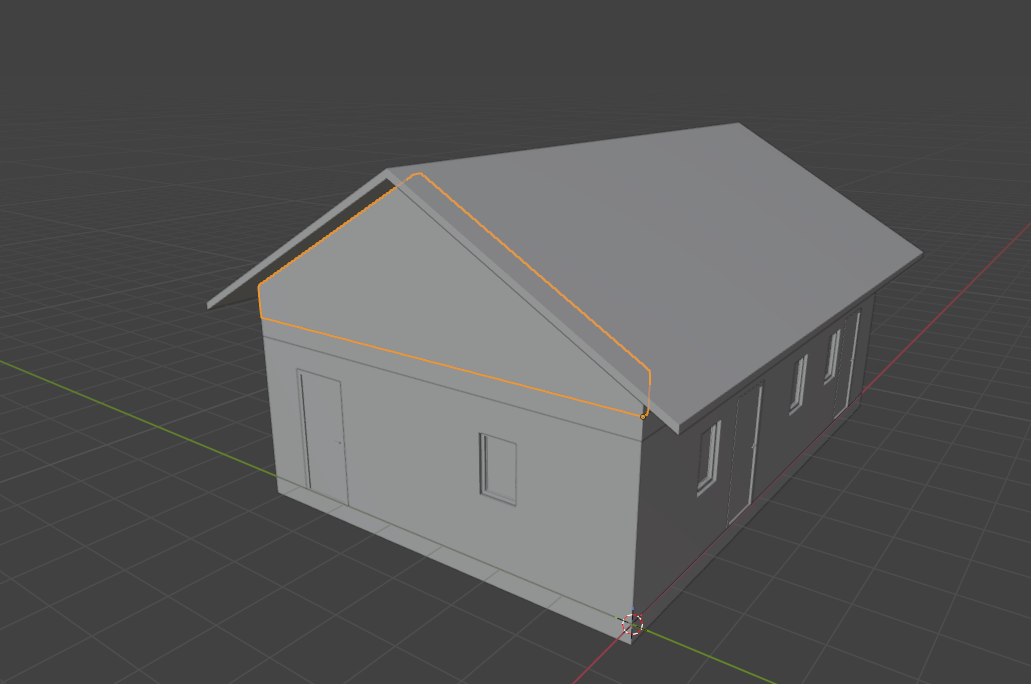
This example is manually adjusted but is there a way to do this automatically/with one of the BIM tools?
Any tips much appreciated :)

steverugi

Comments

  • edited February 24

    @tsvilans said:
    This example is manually adjusted but is there a way to do this automatically/with one of the BIM tools?

    Please Select the Wall tool, then select the walls, the shift select the roof (make sure roof is selected at last) , then extend using Shift + E, it works in the version I am using, I think this will help.
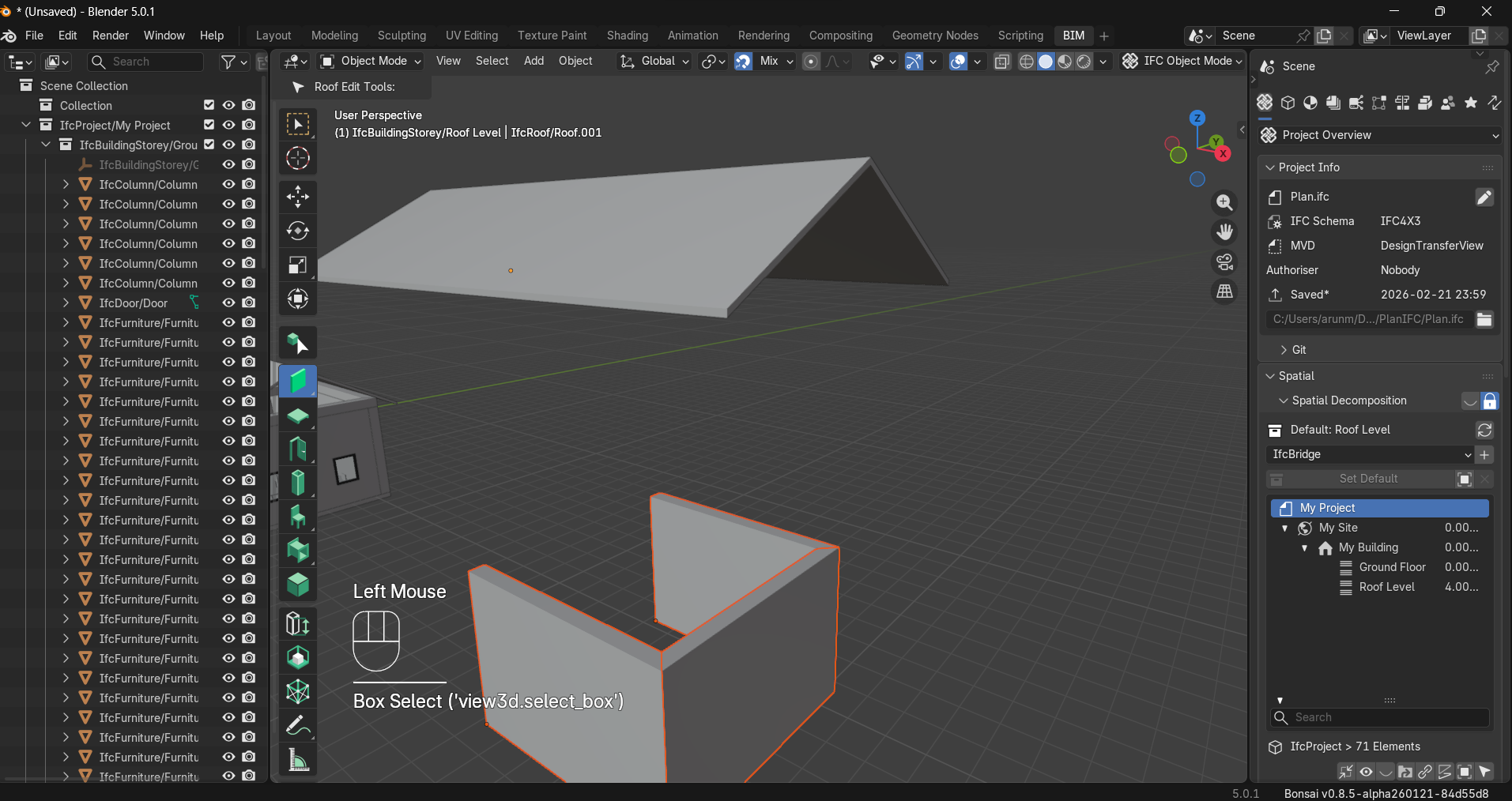
    blender_version: 5.0.1
    bonsai_version: 0.8.5-alpha260121

    steverugiwalpaMassimoKoAra
  • That's it!
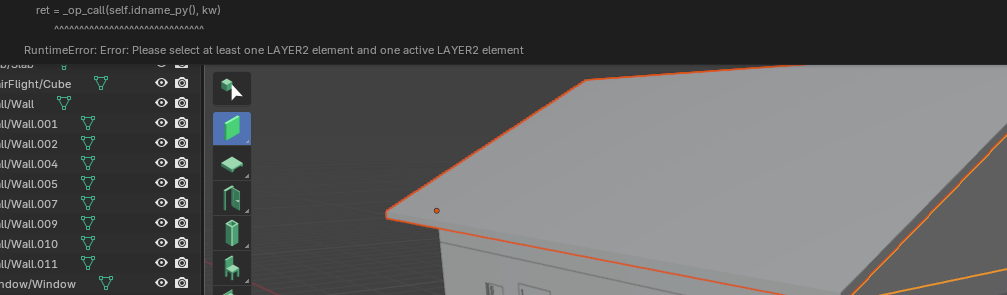
    I am sure that I tried it before, though by clicking on the Extend icon instead of using Shift-E and it complained that it needs to be 2 vertical elements or something like that. This is what confused me, because I was sure that I had done it before.

    Thank you!

    arunarchitect
  • Hi,
    Further to this, I often get this error when trying to extend a wall to a roof:

    Traceback (most recent call last):
      File "C:\Program Files\Blender Foundation\Blender 5.0\5.0\scripts\startup\bl_ui\space_view3d.py", line 41, in draw
        self.draw_tool_settings(context)
      File "C:\Program Files\Blender Foundation\Blender 5.0\5.0\scripts\startup\bl_ui\space_view3d.py", line 54, in draw_tool_settings
        tool = ToolSelectPanelHelper.draw_active_tool_header(
               ^^^^^^^^^^^^^^^^^^^^^^^^^^^^^^^^^^^^^^^^^^^^^^
      File "C:\Program Files\Blender Foundation\Blender 5.0\5.0\scripts\startup\bl_ui\space_toolsystem_common.py", line 832, in draw_active_tool_header
        draw_settings(context, layout, tool)
      File "C:\Users\X\AppData\Roaming\Blender Foundation\Blender\5.0\extensions\.local\lib\python3.11\site-packages\bonsai\bim\module\model\workspace.py", line 108, in draw_settings
        EditObjectUI.draw(context, layout, ifc_element_type=ifc_element_type)
      File "C:\Users\X\AppData\Roaming\Blender Foundation\Blender\5.0\extensions\.local\lib\python3.11\site-packages\bonsai\bim\module\model\workspace.py", line 753, in draw
        row = cls.draw_operations(context)
              ^^^^^^^^^^^^^^^^^^^^^^^^^^^^
      File "C:\Users\X\AppData\Roaming\Blender Foundation\Blender\5.0\extensions\.local\lib\python3.11\site-packages\bonsai\bim\module\model\workspace.py", line 946, in draw_operations
        cls.layout, "Extend To Underside", "S_E", bpy.ops.bim.extend_to_underside.__doc__, ui_context
                                                  ^^^^^^^^^^^^^^^^^^^^^^^^^^^^^^^^^^^^^^^
      File "C:\Program Files\Blender Foundation\Blender 5.0\5.0\scripts\modules\bpy\ops.py", line 33, in _get_doc
        sig = _op_as_string(self.idname())
              ^^^^^^^^^^^^^^^^^^^^^^^^^^^^
    AttributeError: _bpy.ops.as_string: operator "BIM_OT_extend_to_underside" could not be found. Did you mean: '__dir__'?
    01:53.969  bpy.rna          | ERROR Python script error in VIEW3D_HT_tool_header.draw
    

    Searching through the Bonsai Python files, I cannot find any reference to this operator. In operator.py there is no variant on extend_to_underside or even extend... Is this a bug or maybe a mismatch between versions?

  • Hello again,
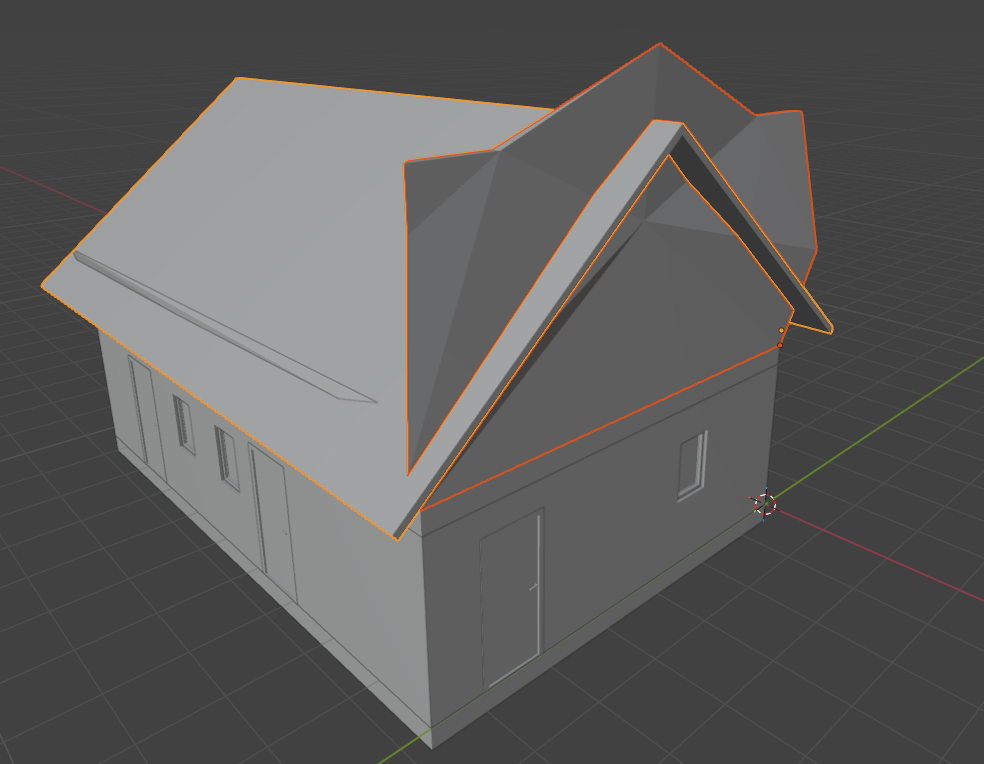
    When adjusting the roof slope and attempting to re-extend the walls to the new roof, mostly it fails, but sometimes it generates strange results:

    Is there any way to reset a wall to its original SweptSolid representation?
    Using Blender 5.0.1 and Bonsai version 0.8.4.

  • 'Tab' into the wall, and you will see void shapes. Unfortunately, currently, these voids don't reset, or clean up, if you extend the wall to a modified roof, so you have to delete them, and then extend again.
    I think this would be a good feature request to reset, or remove past voids, if the wall was extended again to that same object.

    steverugiJanFMassimozoomer
  • edited February 26

    @tsvilans, considering your background, you might have enough skill (perhaps, sprinkled with a little AI) to submit this feature yourself. :)
    Commits to study: https://github.com/search?q=repo:IfcOpenShell/IfcOpenShell+#1227+author:moult&type=commits&s=author-date&o=desc (in particular, the recent ones)

    This one, is especially revealing:
    https://github.com/IfcOpenShell/IfcOpenShell/commit/f5a1c4aae315406e5511fab3ace0125c554cbd8d

  • I think this would be a good feature request to reset, or remove past voids, if the wall was extended again to that same object.

    took a stab: https://github.com/IfcOpenShell/IfcOpenShell/pull/7944

  • @theoryshaw said:
    @tsvilans, considering your background, you might have enough skill (perhaps, sprinkled with a little AI) to submit this feature yourself. :)
    Commits to study: https://github.com/search?q=repo:IfcOpenShell/IfcOpenShell+#1227+author:moult&type=commits&s=author-date&o=desc (in particular, the recent ones)

    This one, is especially revealing:
    https://github.com/IfcOpenShell/IfcOpenShell/commit/f5a1c4aae315406e5511fab3ace0125c554cbd8d

    Thanks @theoryshaw and sorry that I missed your earlier post! I hope to get some time to sit down and get into the codebase a little bit more, in which case of course I would like to contribute :)

Sign In or Register to comment.