

Using Blender for construction & survey workflows (points, terrain modelling, machine control)

Hi everyone,
I come from a somewhat unusual background compared to most Blender users here.
I work as a site manager in road construction, but at the same time I’m also a software developer, 3D artist and long-time Blender user.
One of the reasons I started using Blender in construction workflows is the growing use of machine control systems on excavators and graders.
These machines require accurate 3D terrain models (usually LandXML surfaces), but the geometry provided in project documentation is often incomplete or available only as 2D drawings.
Because of that I started reconstructing and verifying project geometry directly in Blender.
Blender turned out to be surprisingly useful because it is:
- very strong at geometry modelling
- fully scriptable with Python
- relatively lightweight compared to most civil engineering software
Most professional civil CAD tools are extremely powerful, but also very expensive, which makes them hard to justify unless you use them constantly.
So I started building a workflow in Blender that helps me prepare machine control models, verify project geometry and generate survey points directly from the 3D model.
My workflow
The goal is simple.
I want to be able to verify construction geometry myself, generate machine control models, and give the surveyor precise staking points without constantly measuring things manually on site.
A typical workflow looks something like this.
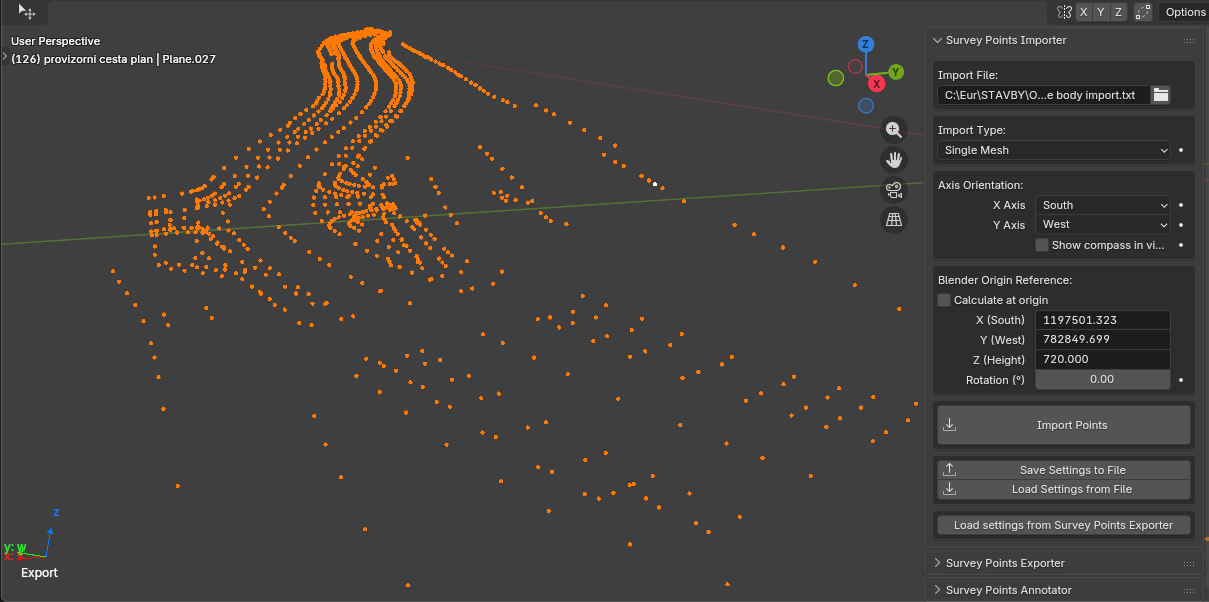
1. Import survey points
First I import existing survey data from the surveyor (usually TXT or CSV files).
These points represent the current terrain and existing infrastructure.
I use them as references when reconstructing the existing terrain surface or important control points.
2. Rebuild project geometry in 3D
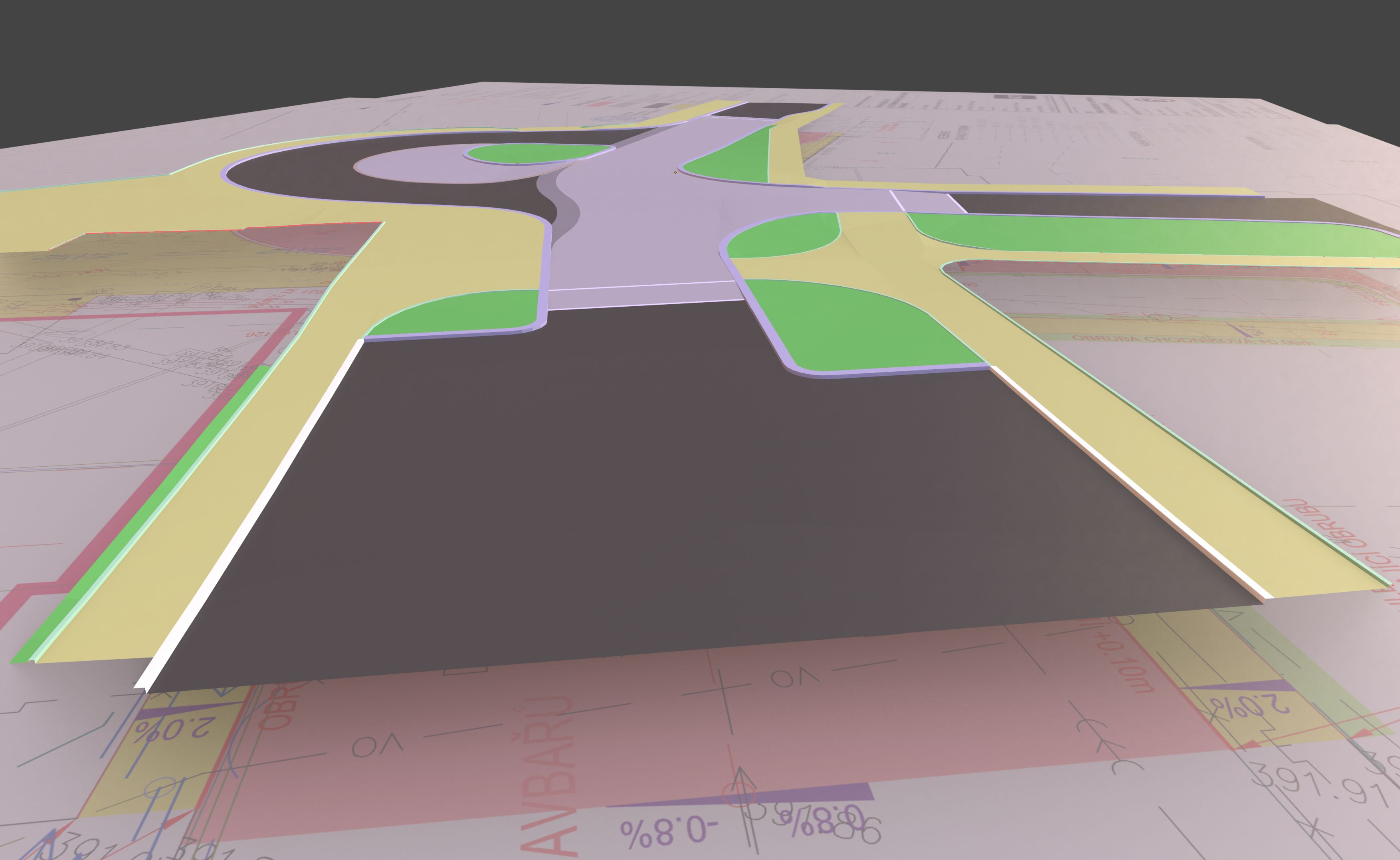
Most infrastructure projects still arrive mainly as 2D drawings.
When converting them into real 3D geometry you often discover issues immediately:
- incorrect elevations
- inconsistent slopes
- geometry conflicts
- drainage problems
By rebuilding the geometry as real surfaces in Blender (roads, sidewalks, terrain transitions), I can often detect problems before construction starts.
3. Terrain modelling and slope verification
A large part of road design is about correct slopes and drainage.
Inside Blender I often model surfaces and visually verify things like:
- road cross slopes
- transitions between surfaces
- terrain shaping
Sometimes I even run simple rain simulations to visually check where water flows.
This can reveal problems that are not obvious in 2D documentation.
4. Generating staking points
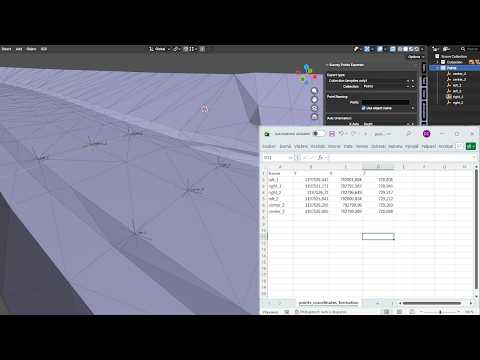
Once the geometry is correct, I generate staking points directly from the model.
Instead of manually measuring elevations on site using a level and reading them from cross-sections, I can export the exact coordinates of important points directly from the model.
These can then be sent to the surveyor or used for machine control preparation.
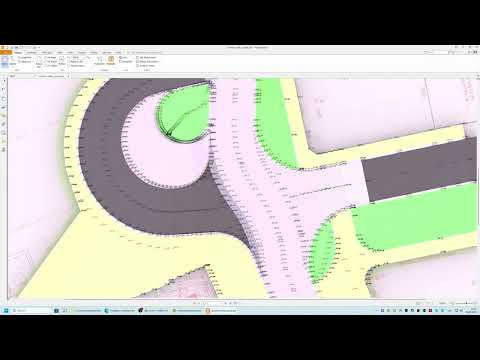
5. Producing point diagrams and drawings
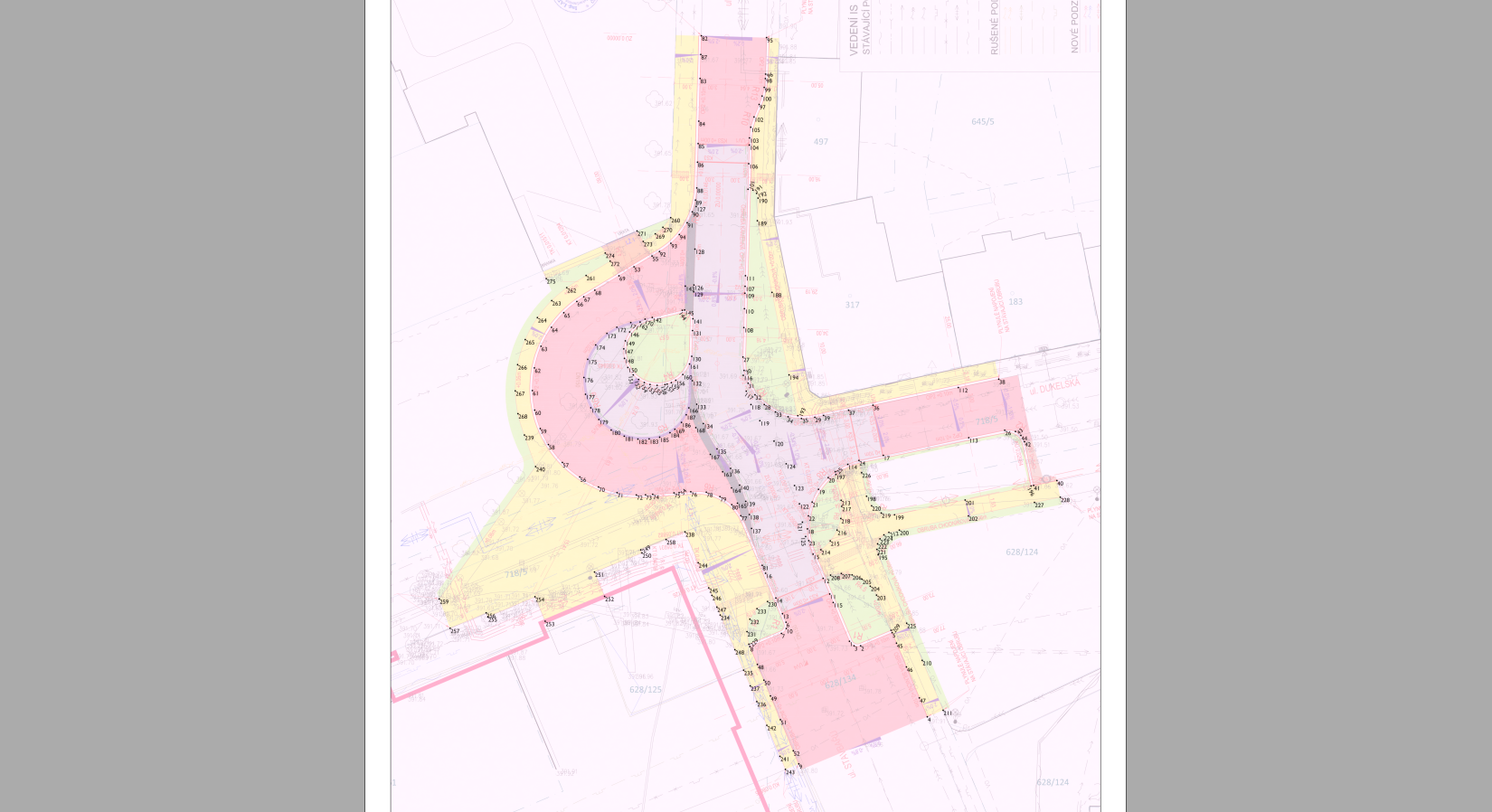
On construction sites it's still very common to work with simple printed drawings showing labelled points and elevations.
For example:
- staking points
- curb elevations
- slope breaklines
- drainage points
Clear diagrams with labelled coordinates are extremely useful for communicating geometry on site.
Tools I built for this workflow
Because Blender doesn't have built-in tools for this kind of work, I started writing a small set of add-ons that support this workflow.
Some of the tools include:
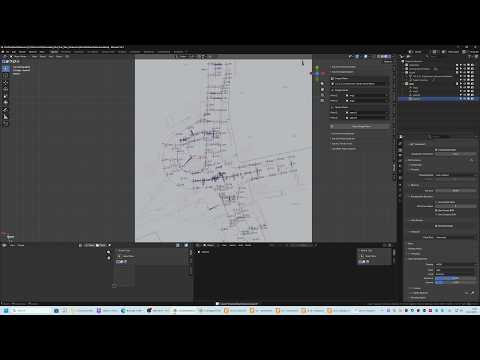
Survey Points Importer
Imports survey points from TXT/CSV files directly into Blender.
Useful for working with existing survey measurements.
Survey Points Exporter
Exports selected points back to TXT/CSV so they can be used by surveyors or machine control systems.
Survey Points Annotator
Automatically generates labels for points (numbers, coordinates or elevations).
This saves a huge amount of time compared to manually labeling hundreds of points.
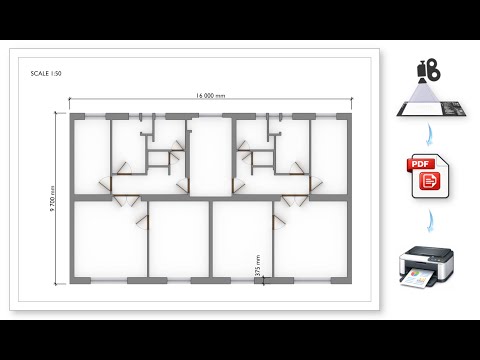
Scale Print Camera
Creates true-scale technical drawings directly from Blender.
You can define:
- paper size
- drawing scale
- DPI
and export renders that print at exact scale in PDF.
Upcoming tools
I'm also working on additional tools for construction workflows:
- Terrain Tools – helpers for modelling road surfaces and slopes
- LandXML export/import – mainly for exporting machine control models
- DXF import/export – for exchanging simple geometry with construction software
All tools share a common reference point system, so coordinates stay consistent when importing or exporting survey data.
Curious about other workflows
I'm very curious how others handle similar workflows.
Do any of you use Blender or BlenderBIM for things like:
- terrain modelling
- survey data
- construction verification
- machine control preparation
Or do you rely entirely on traditional civil engineering software?
Links
Add-ons
https://superhivemarket.com/creators/janholinka
Short demo videos
Most of these tools started as small scripts I wrote for my own construction projects, and they gradually evolved into more structured add-ons.
I'm currently finishing a full timelapse of the entire workflow, showing how a construction model for machine control (UniControl) is created in Blender.
It should be ready in a few days — if people are interested I can share it here.









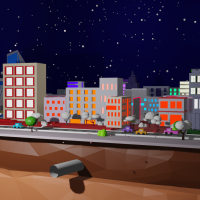 and 6 others.
Comments
Very interesting! How do you run rain simulations?
I create a mesh above the modeled surface and add Particles → Emitter → Render As: Object → Icosphere.
I duplicate the modeled surface because I apply triangulation to it. The model itself is built with quads, but quad faces sometimes calculate collisions in a strange way. On nearly horizontal surfaces the particles tend to follow the edges if the surface remains quads.
On the duplicated surface I add Collision and tweak the settings so the particles behave somewhat like water.
This will be clearly visible in the timelapse video.
@JanHolinka of course we are interested in the timelapse video! Thanks for sharing!
Thanks for the interest — here is the timelapse video of the full workflow:
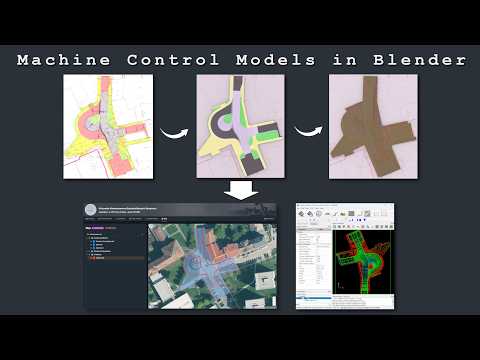
It shows the complete process in Blender, from importing survey/stakeout points and drawing references, through terrain and road surface modelling, slope/drainage checking, up to generating outputs for construction use.