

Cannot install bonsaibim for blender because of incompatible python version

Hi all,
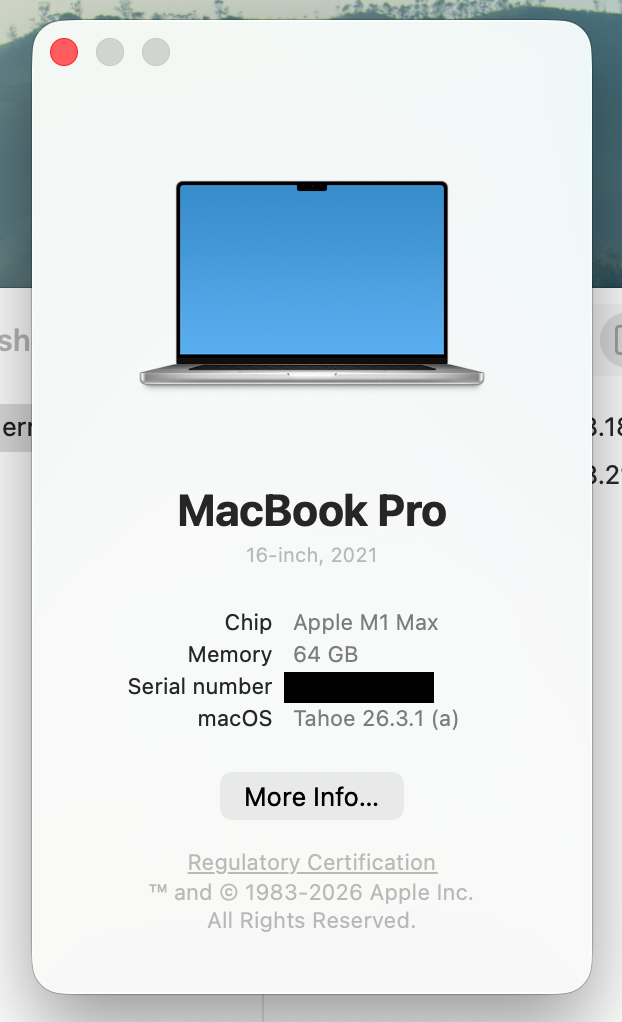
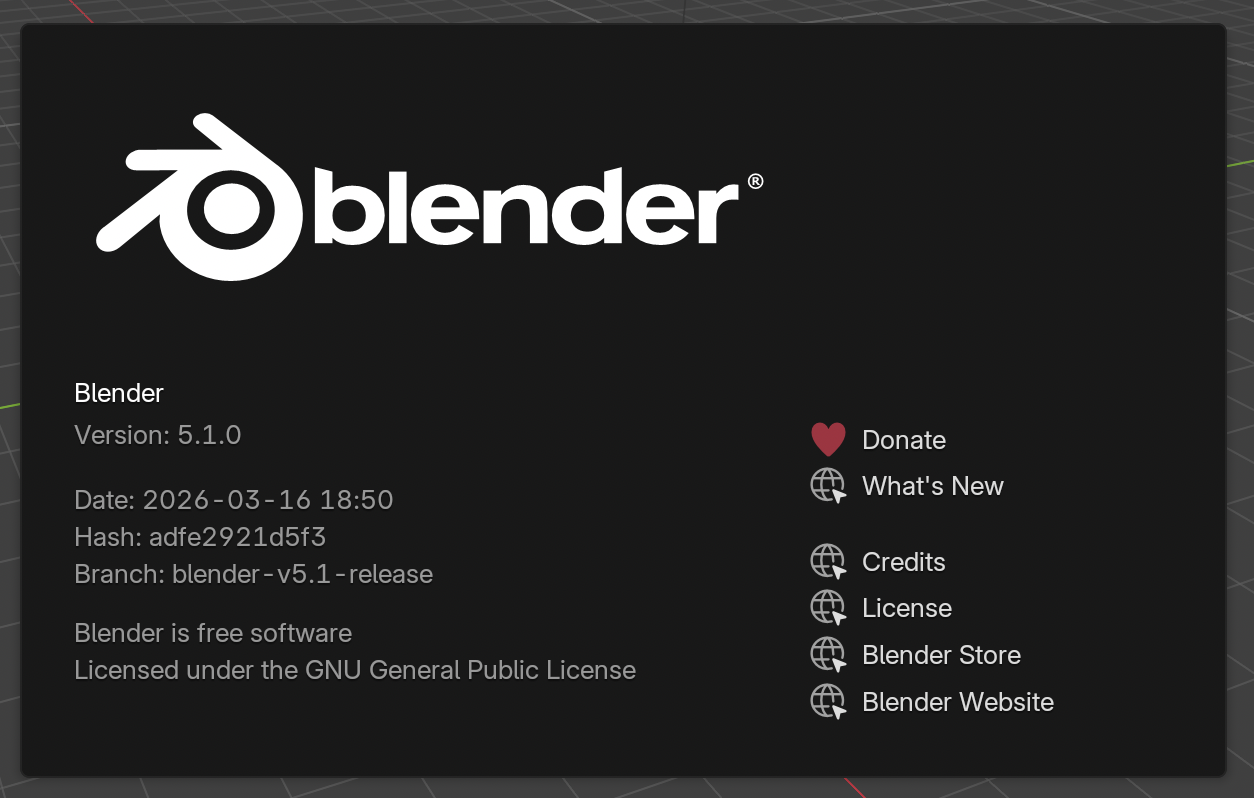
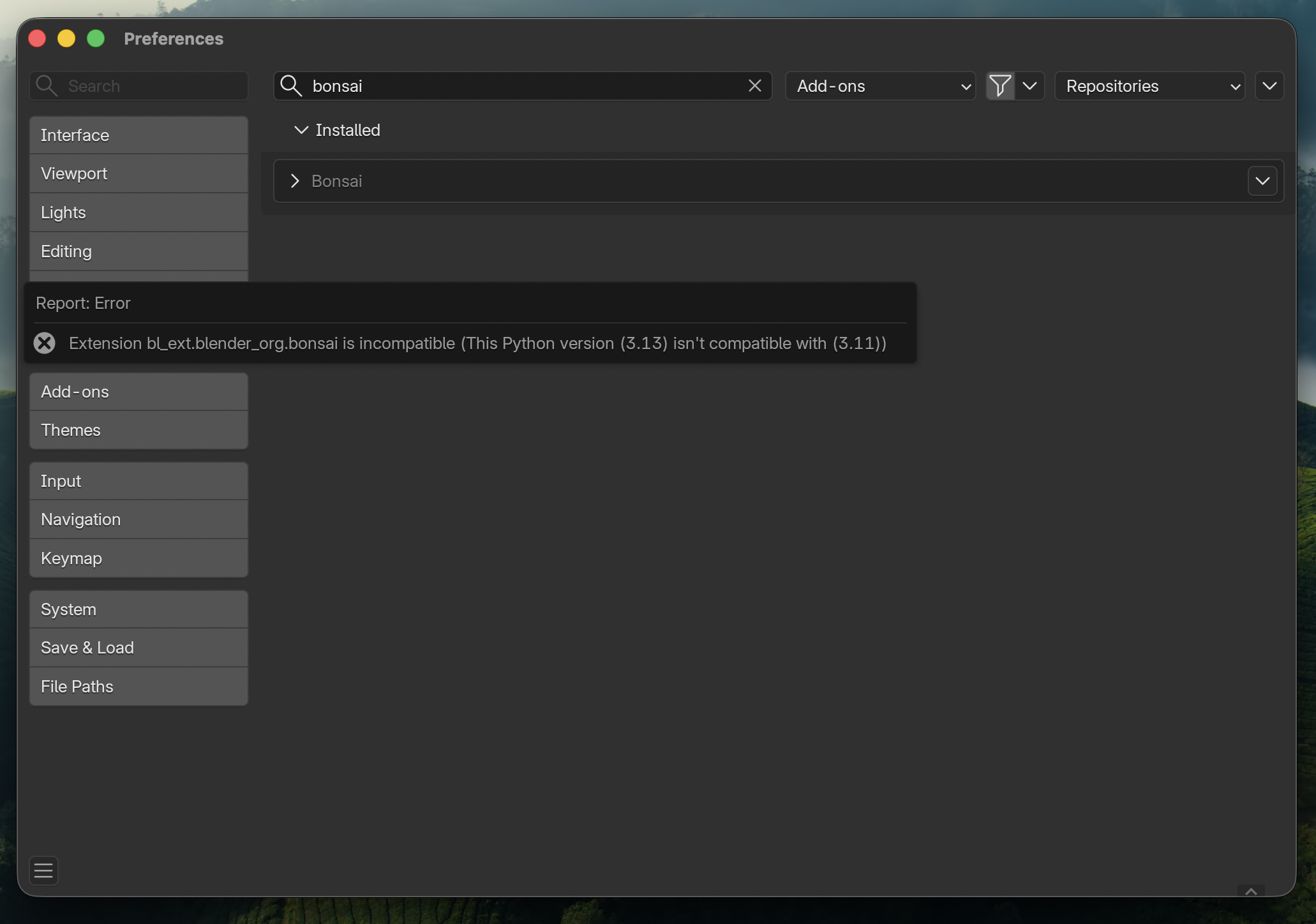
I a completely new to bonsaibim and have some basic knowledge of blender. For my work as an architect I would like to start using bonsaibim with blender to work on ifc models and bim in general. But when I try to install bonsaibim via blender I get an error message. The python version on my mac (3.13) is not compatible with the one from bonsaibim (3.11). I did previously have a python version (3.14) installed via pyenv on my mac but have fully removed it (not pyenv itself). I have unisntalled bonsaibim from blender, uninstalled blender from my mac and restarted it, then installed blender and added bonsaibim via blender and got the same error message again.
Please see the attached images for the versions of the software and of macos as well as a screnshot from my terminal to show only the system python version is installed.
What should I do to install bonsaibim and get it to work?
Thank you in advance for any proposals and potential solutions.
Kind regards,
christophevdbd
Comments
With Blender 5.1, Blender switched from Python 3.11 to 3.13.
Official Bonsai was (and still is only ?) Python 3.11.
Bonsai daily builds offered also a 3.13 version since some time when 5.1 got Beta. Now that 5.1 is official, it needs the 3.13 version of Bonsai.
Stay with Blender 5.0.1 with official Bonsai.
Wait until Bonsai official will offer a Python 3.13 version (or both for those staying with an LTS)
Install multiple Blender Versions
You can use multiple Blender versions beside each other (even on Mac which it looks like you are).
After Downloading, install the official Blender as usual (drag to Programs Folder), for all older, Beta and Alpha Versions ...... drag the Blender App into the Downloads Folder instead ! Rename it in there to something like e.g. Blender52Alpha.app ... so that it will not overwrite your official Blender App .... only then drag it into the Applications Folder and start it from the App Folder in Finder, in the Dock choose options to keep its Icon in Dock. (When you hover over it, the Icon will show the App's "Name" to differentiate between your Blender versions)
(Blender User/Library Settings will work normally for each installation although renaming the App, each x.x version will create its own Settings)
For me they are stable, if not you could download an earlier version and install it manually. You can find Bonsai's daily builds here
To install it manually the old way from Blender Settings "AddOns" (on Top right, install from disk), make sure to deactivate any official Bonsai installs in "Addons" first (and maybe restart Blender)
or uninstall them from "Extensions" before installing manually.
Or better follow the instructions here
and here
to have Bonsai dailies updated semi-automatic from Settings "Extensions", by Setting a Extensions Path to Bonsais Github page.
So when you open Settings Extensions, you will be notified that there is a Bonsai update, choose update, restart Blender.
Hi Zoomer,
Thank you for your very detailed answer. I have chosen the very first option and installed a previous version of blender with the latest version of bonsaibim. Now I am ready to start my journey ;)
Good choice !
Most reasonable and pragmatic decision.
I just can't live without the latest shiny bells and whistles .... no risk no fun. But at least I keep latest official and LTS versions of Blender, in case of serious projects. But for me somehow Blender and Bonsai Alphas feel much more mature than Betas or even final releases after some Service Packs of my proprietary BIMs.
For installing multiple Blender version in parallel I highly recommend Blender Launcher.