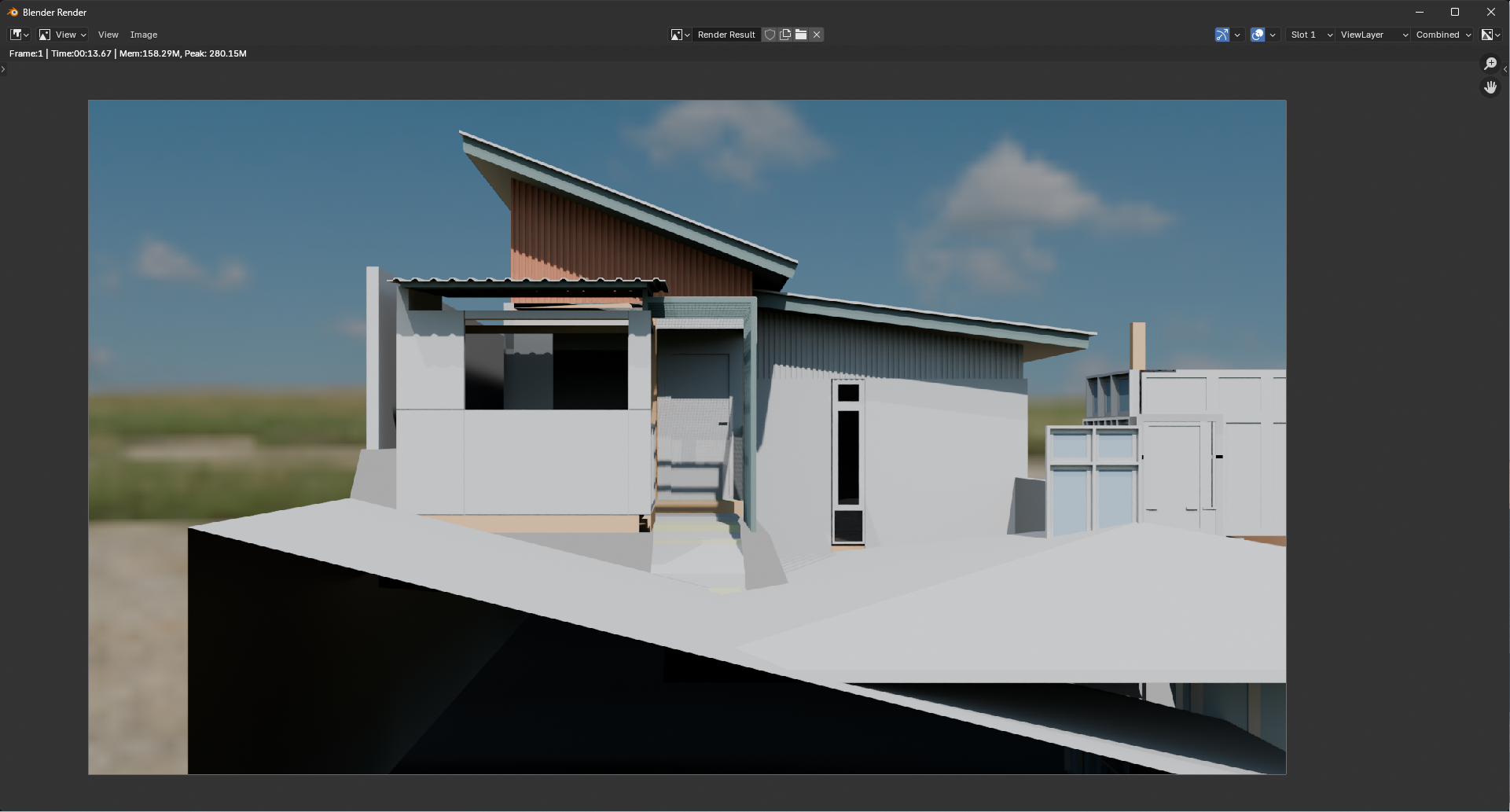
Depending on where you got the facade elements from, there may be more than one glazing material in place. If the model shown was exported from Revit and not done natively in Bonsaibim, that app tends to supply each different type of facade with its own set of materials. One of those may not have an alpha value.
@wmi said:
Depending on where you got the facade elements from, there may be more than one glazing material in place. If the model shown was exported from Revit and not done natively in Bonsaibim, that app tends to supply each different type of facade with its own set of materials. One of those may not have an alpha value.
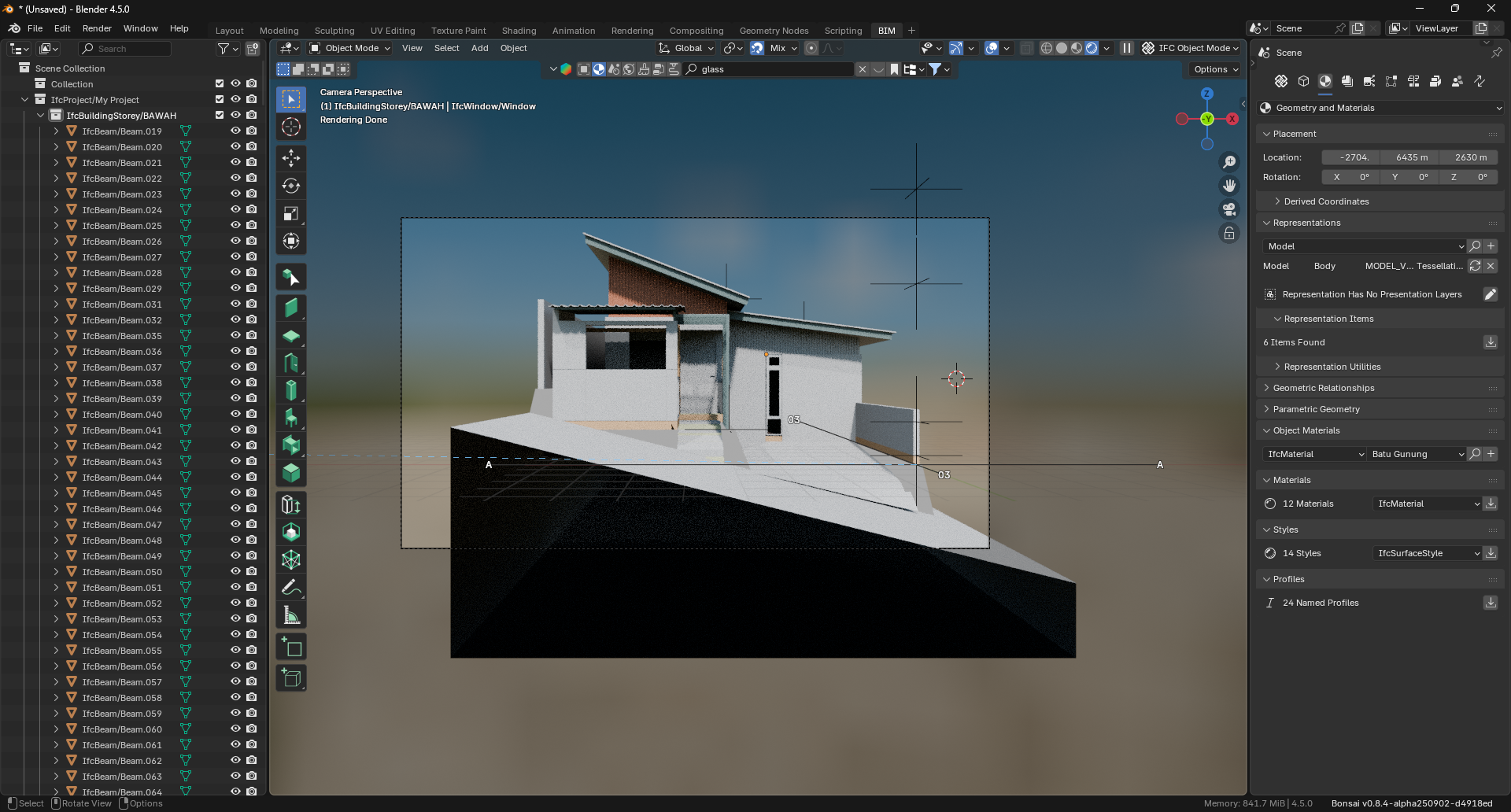
I'm thinking when you active a drawing, that Bonsai should turn on/off 'Display in Render' when it turns on/off 'Hide in Viewport'.
Or at least have an option for this.




Comments
@sahrul
nice one
would you like to also share some detail about the process? it might be helpful for others who want similar outputs
thanks
Depending on where you got the facade elements from, there may be more than one glazing material in place. If the model shown was exported from Revit and not done natively in Bonsaibim, that app tends to supply each different type of facade with its own set of materials. One of those may not have an alpha value.
All my models are made in BonsaiBIM
Think thats ifctypes, exclude it in the outliner or delete it before doing the rendering.
Probably the types collection, just exclude it from rendering.
Looks great.
Did you setup your render in pure Blender or from Bonsai's generated drawings setup ?
The method you suggested has worked for me, thank you.
The method you suggested has worked for me, thank you.
I'm thinking when you active a drawing, that Bonsai should turn on/off 'Display in Render' when it turns on/off 'Hide in Viewport'.
Or at least have an option for this.
Any objections?
https://github.com/IfcOpenShell/IfcOpenShell/issues/7133
addressed here: https://github.com/IfcOpenShell/IfcOpenShell/commit/10a99fff058b07c9001c0ffd1b0c9ccaeee3943e