

[TAB] for X,Y,Z in one line
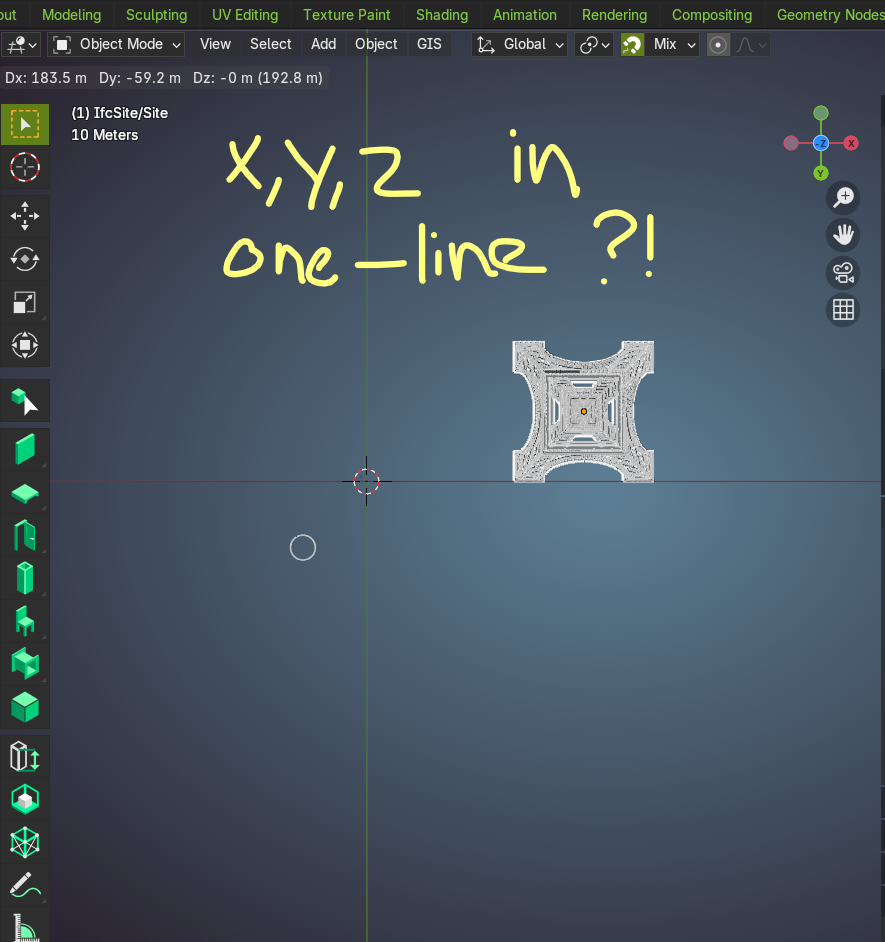
Hi, i'm trying to figure out how i can move all objects for distance.
For example. Everything should be relocated
255423.72 6250829.64 0 (Web Mercator, Meter XY, EPSG:3857)
48.858177, 2.294523 (lon./lat)
After activating G (move) the command seperator is [TAB]
But it should be possible to use it in one go, a line to past X,Y,Z as translation.
Like you would do in AutoCAD or any other flavor,
I tried all kind of seperators but nothing seems to work. Any idea?![]
X,Y,Z
255423.72, 6250829.64 , 0
(what's used as deperator for posy-past driven appraoch)
(https://community.osarch.org/uploads/editor/71/copb7nni526c.png "")
Comments
@magicalcloud_75
I don't know about a single line command but if you press G then
=you can enter X value, thentabto enter Y andtabagain to enter Z.(Wanted to point out the
=role in the sequence)EDIT
did you try OffsetObjectPlacement Patch?
Yes, G is for 'move'. But i don't want to enter the values. I want to use copy-paste XYZ as one line.
Workaround or patches not wanted really
I was told I should think about "G" like "Grab" ....
(Otherwise it sounds a bit like "B" in Vectorworks - press "B" for .... temporary switch to "XRay" under your cursor)