

Construction Lines

@straaatooos based on you phenomenal work in https://github.com/straaatooos/goliath and as a followup of https://community.osarch.org/discussion/3328/sketch-prototype-of-a-lightweight-h-bestands-bim-software-in-blender#latest here is a proposal for construction lines for Bonsai.
"""
Construction Lines Tool for Bonsai BIM
=======================================
A tool for creating temporary reference geometry from selected edges.
Construction lines automatically extend, find intersections, and create
visual markers to aid in precise modeling.

Original Author: Julian "straaatooos" Hüther (Goliath Project)
https://github.com/straaatooos/goliath

Adapted for: Bonsai BIM Integration

Key Features:
- Extend selected edges into long construction lines
- Automatic intersection detection with existing construction lines
- Visual markers (empties) at intersection points
- Custom transform orientation based on selected geometry
- Prevents duplicate intersection markers at the same location
"""
Please take a look to the avilable PR Add construction lines tool for temporary reference geometry#7676
It is using shortcut L and Alt-L respectively as letter C was already taken for precise selection.
See it in action.
Thanks @straaatooos !!
Cheers!










Comments
This is very cool!
A few suggested extensions.
-And maybe hit 'L' again, on an edge, to remove that edge.
Added:
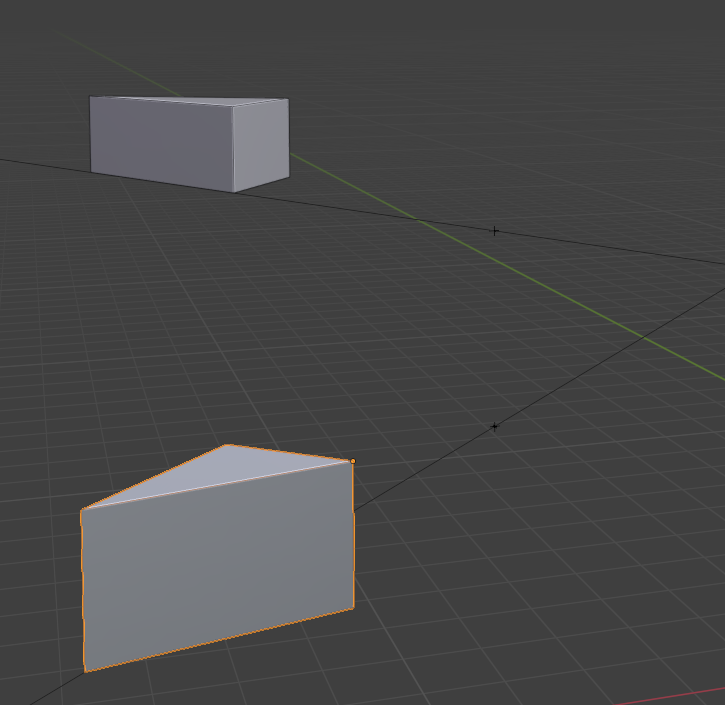
Cheers!
I guess we would need here Core Dev feedback. since this I believe would require a modal operator fetching mouse movements and raycasting to find the face/edge and I believe there is a Bonsai UI cache (@Moult told me about it in the linking files PR as I was running a handler that was effectively disabling it... so that need to be checked carefully to not hit that one or overall performance)
Connected to the previous one
Something like "Temporary Construction lines" They only exist as an option for 'g' and 'r' operations?
Is it not part of the previous one? If we create all "Temporary Construction lines" for a given object, that effectively has the ghost object within those lines, right?
On this matter I guess this could be very noisy if the object is not quite "cartesian". An object with complex mesh would have tens of edges. If this use case is really useful for polyhedron type of shapes, it should be somehow constrained.
yep!
I think 'g' and 'r' should cover it.
Yes, both those could work together, i would think.
I think having this mode be able to be toggled on/off would help. I feel a majority of building objects in any one BIM are relatively simple.