I've just create a PR to the repository with "Spanish translation".
Design workflow is very familiar to Autocad, and the minimalistic design as a GNOME app is awesome. I think this is an amazing opportunity to bring people from the other side :D.
Maybe @agviegas could take a look because his javascript skills.
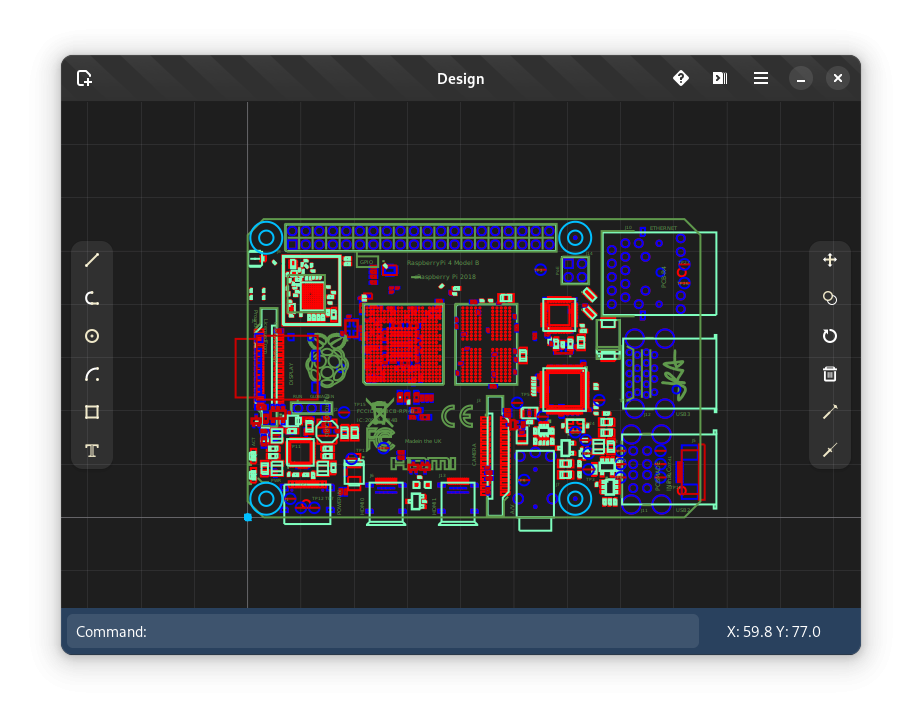
I tested the GNOME Design CAD application and created a tutorial showcasing how to use the software.
My conclusions as of early 2026:
it is in an early alpha stage so there are only few tools (line, circle, arc, dText, polyline, copy, move, trim, extend, rotate)
basic support for working with layers is implemented
because of the above, it is not production ready (no support for linetypes or lineweights, no support for Ctrl+C, no su)
it did not crash on me even once, I was really surprised by this
the workflows are clearly inspired by AutoCAD
the UI is quite intuitive and the UX is pleasant
the brunt of work on the application seems to be done by one developer - Daniel Wood. He seems to stick to the project GitHub shows him working on it since 2022. It seems like a hobby project to me
I like the application, even though I don't have a practical use for it
Tutorial showing how to create a floor plan drawing in GNOME Design:
Design version 49 alpha has been released at the end of January 2026. It comes with new features like Undo/Redo, clipboard functionality, new Pan, Zoom, or ArcText tools. Complete release notes are available on the Flathub page: https://flathub.org/en/apps/io.github.dubstar_04.design
I recorded a short video showcasing new enhancements:
Design also runs in a web browser as Design-Web, so it is available on Windows, Mac and Linux in this form. This video shows the application, the feature set is almost at par with the desktop version.
This is pretty great! Looks quite performant and despite still lacking many features, seems to be working reliably.
The fact that it runs on the web, but needs no server infrastructure is awesome.
That is an interesting idea. I don't know haw difficult the path from SVG -> DXF is.
There are still a lot of features that need to be added, but you are right that the features that are there work very well considering it's an alpha software.
I wouldn't know anything about it myself, but according to Gorgious post it is relatively straightforward.
@Gorgious said:
FWIW it should be relatively straightforward for someone familiar with both svg syntax and ezdxf API to write a converter. I'll share a test I worked on some time ago. I eventually elected on directly writing to dxf from the 3D blend file because I personally don't have a use for svg and it doesn't translate 1:1 to the dxf syntax. for example in a svg an object can be part of any number of classes but in dxf an object can be in only one layer.
I'll drop the link. Do with it what you wish, the current implementation translates polylines, hatches and texts. Hatches are translated to solid, not patterned, same for lines, they're continuous. https://github.com/Gorgious56/svg2dxf/blob/main/convert.py
Either way, thanks for working on this. Keep it up!






Comments
@bitacovir would you be interested in writing up a 300 word summary to be published as blog post on osarch.org?
Ok. But, I will need a grammar review for the text. My English is not 100%...
@bitacovir no worries, we can help provide that! :)
I've just create a PR to the repository with "Spanish translation".
Design workflow is very familiar to Autocad, and the minimalistic design as a GNOME app is awesome. I think this is an amazing opportunity to bring people from the other side :D.
Maybe @agviegas could take a look because his javascript skills.
I tested the GNOME Design CAD application and created a tutorial showcasing how to use the software.
My conclusions as of early 2026:
Tutorial showing how to create a floor plan drawing in GNOME Design:
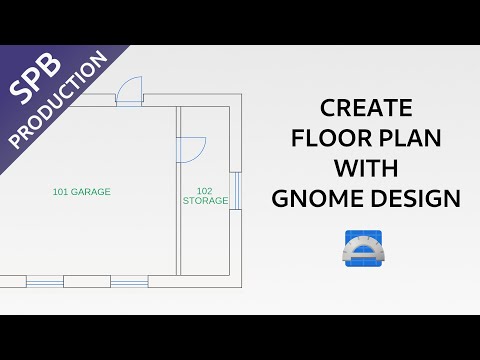
Apparently I encountered a bug previously and without this bug the application in fact supports various linetypes and font styles, which is nice.
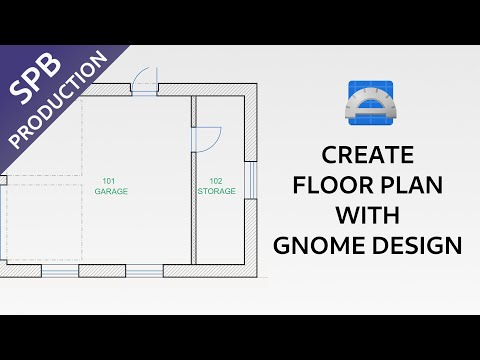
Updated version of the video which includes line type settings and hatch creation:
Design version 49 alpha has been released at the end of January 2026. It comes with new features like Undo/Redo, clipboard functionality, new Pan, Zoom, or ArcText tools. Complete release notes are available on the Flathub page: https://flathub.org/en/apps/io.github.dubstar_04.design
I recorded a short video showcasing new enhancements:
Design version 50 alpha was released. This video cover new features of this release:
Design also runs in a web browser as Design-Web, so it is available on Windows, Mac and Linux in this form. This video shows the application, the feature set is almost at par with the desktop version.
You can access Design-Web here: https://www.design-web.uk/
This is pretty great! Looks quite performant and despite still lacking many features, seems to be working reliably.
The fact that it runs on the web, but needs no server infrastructure is awesome.
If this could eventually deal with SVG files, it would make it a great candidate for web based drawing editing for Bonsai, as mentioned in https://community.osarch.org/discussion/comment/27875/#Comment_27875
That is an interesting idea. I don't know haw difficult the path from SVG -> DXF is.
There are still a lot of features that need to be added, but you are right that the features that are there work very well considering it's an alpha software.
I wouldn't know anything about it myself, but according to Gorgious post it is relatively straightforward.
Either way, thanks for working on this. Keep it up!