Hello,
Does anyone knows how to use the 3-Point Arc command when editing a Profile?
It says to first select three vertices. When I do, no arc is created.
Thanks
@RaphaëlVouilloz said:
Ok now I get it, I have to select the two edges and not the three vertices only. Thanks to both of you for the videos!
I think if you are selecting the points, the connected edges (between the points) should be also be selected, otherwise it could be that you have doubles (duplicated points) in it. To solve this press "TAB" for editmode--> select all --> in "vertexmode", right mousebutton--> merge vertices --> by distance



Comments
@RaphaëlVouilloz
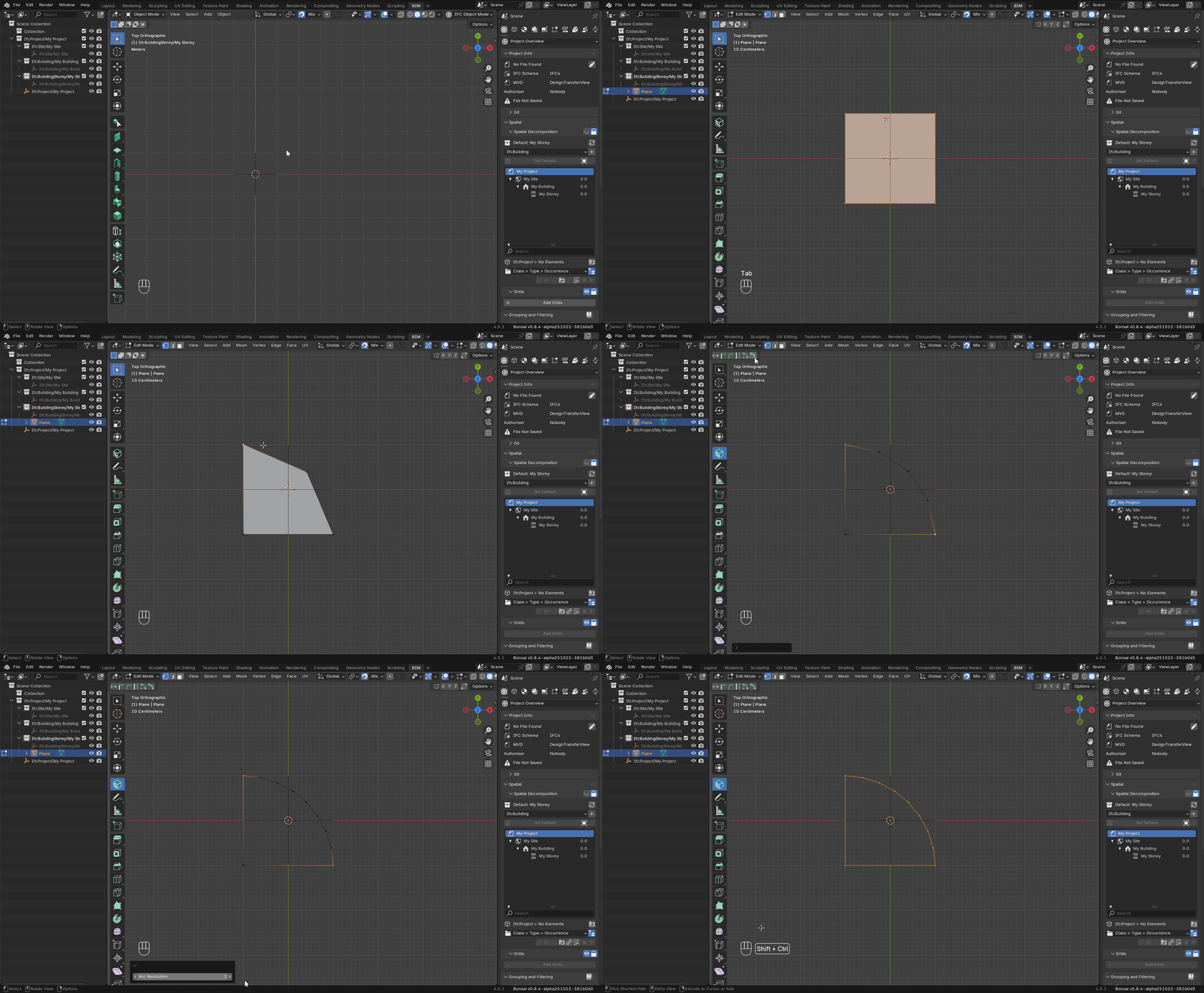
see if this helps:
you can use the object as IfcArbitraryClosedProfileDef

make sure you have filled (select all vertices and press 'F') it before
@RaphaëlVouilloz
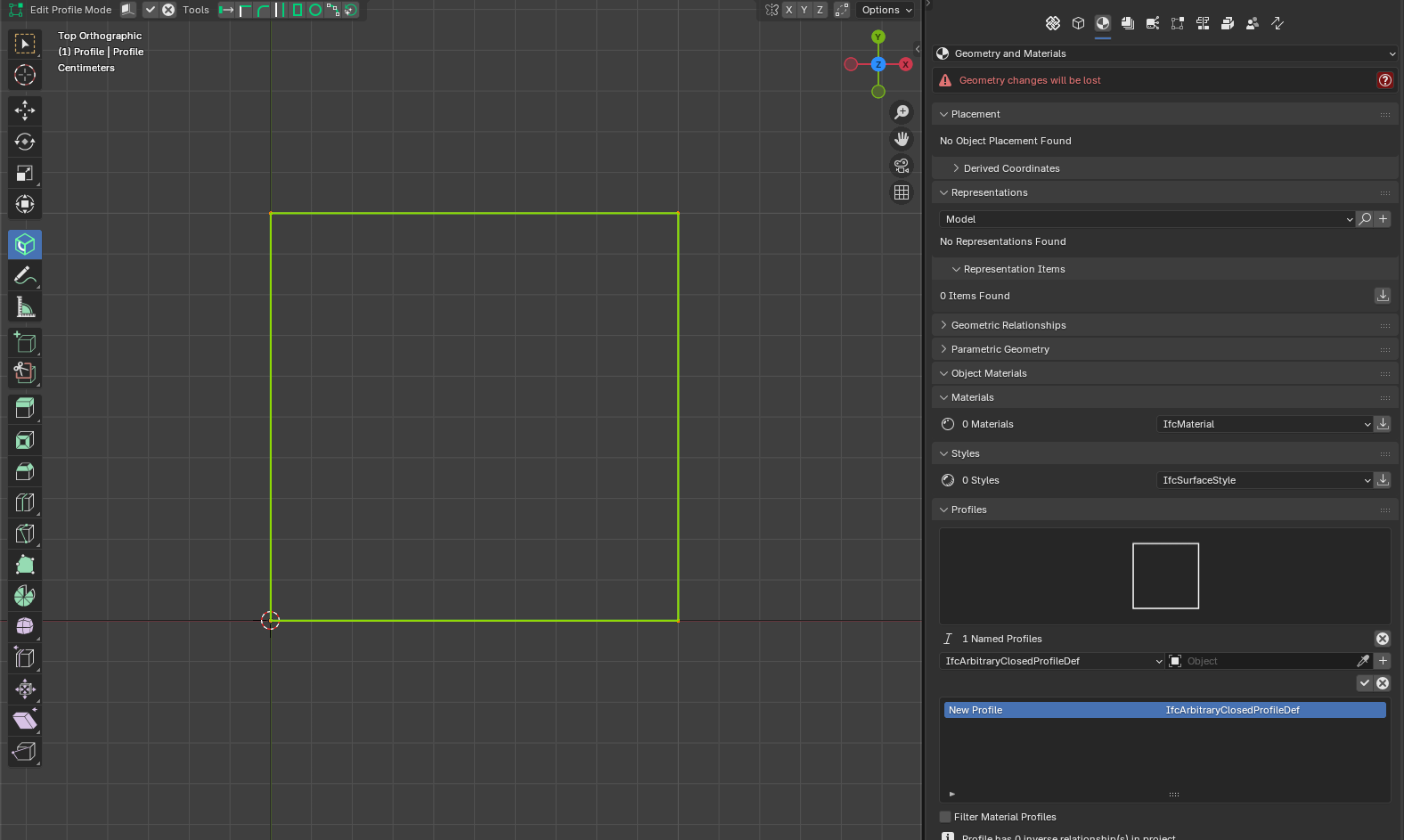
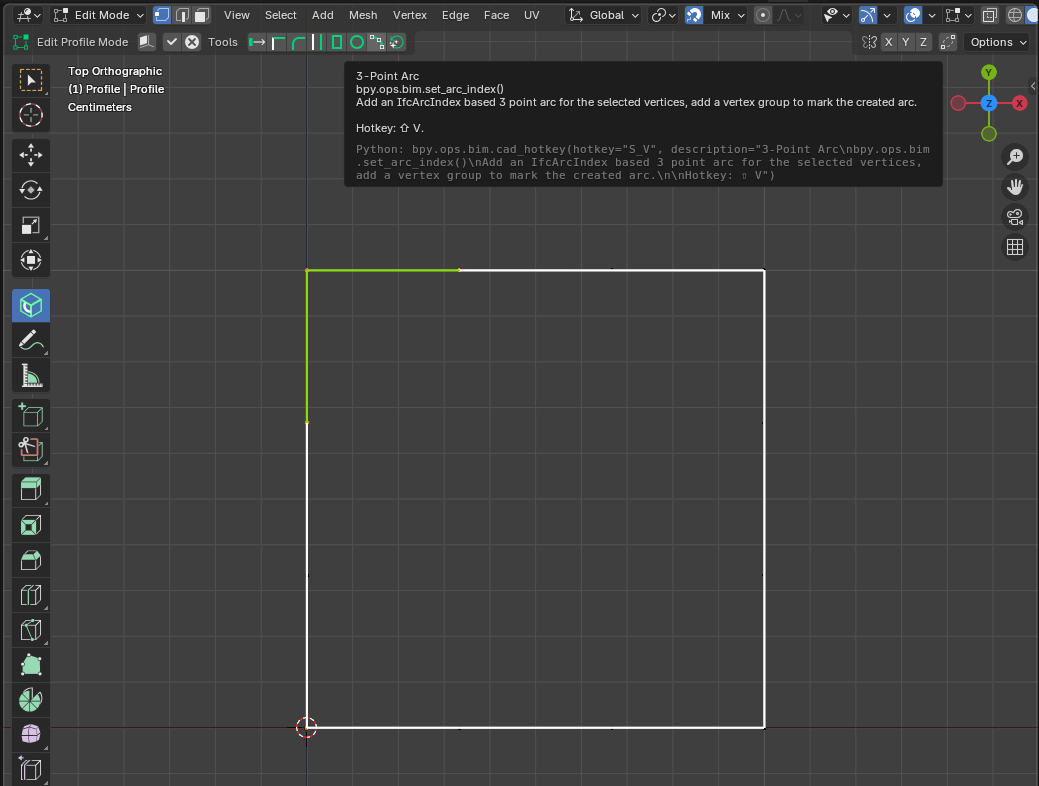
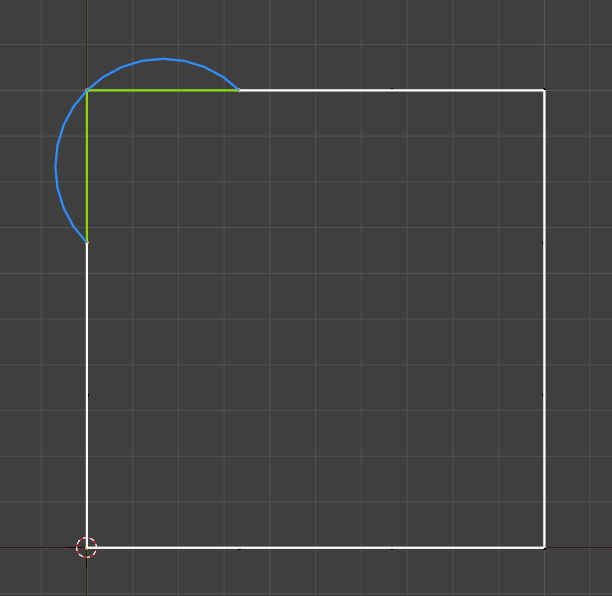
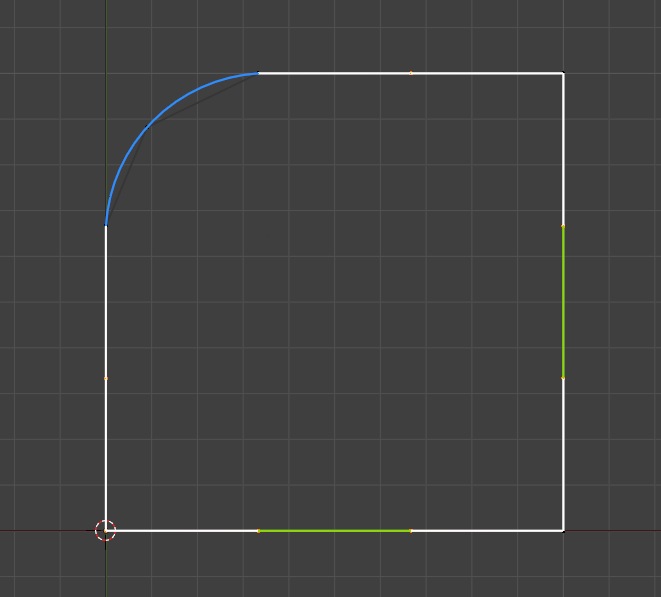
subdivide the edges
grab the middle point and adjust the position
select points/edges are not needed (if you have subdivided all edges) and press "CTRL+X" to delete this points/edges
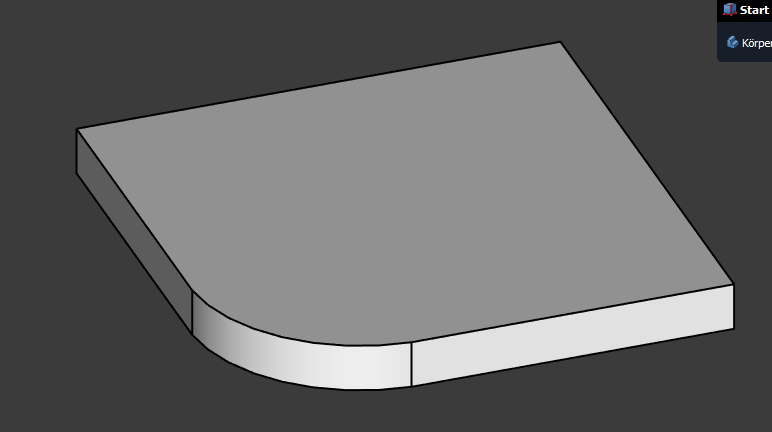
Extruded profil in freecad
Ok now I get it, I have to select the two edges and not the three vertices only. Thanks to both of you for the videos!
I think if you are selecting the points, the connected edges (between the points) should be also be selected, otherwise it could be that you have doubles (duplicated points) in it. To solve this press "TAB" for editmode--> select all --> in "vertexmode", right mousebutton--> merge vertices --> by distance
@RaphaëlVouilloz
when you select vertices you automatically select the edges connecting them
You are both right, but I was trying with three isolated vertices, as I am used to with points in sketch environments like FreeCAD.