@LesarStache
do you mean scale it up to actual dimensions? I
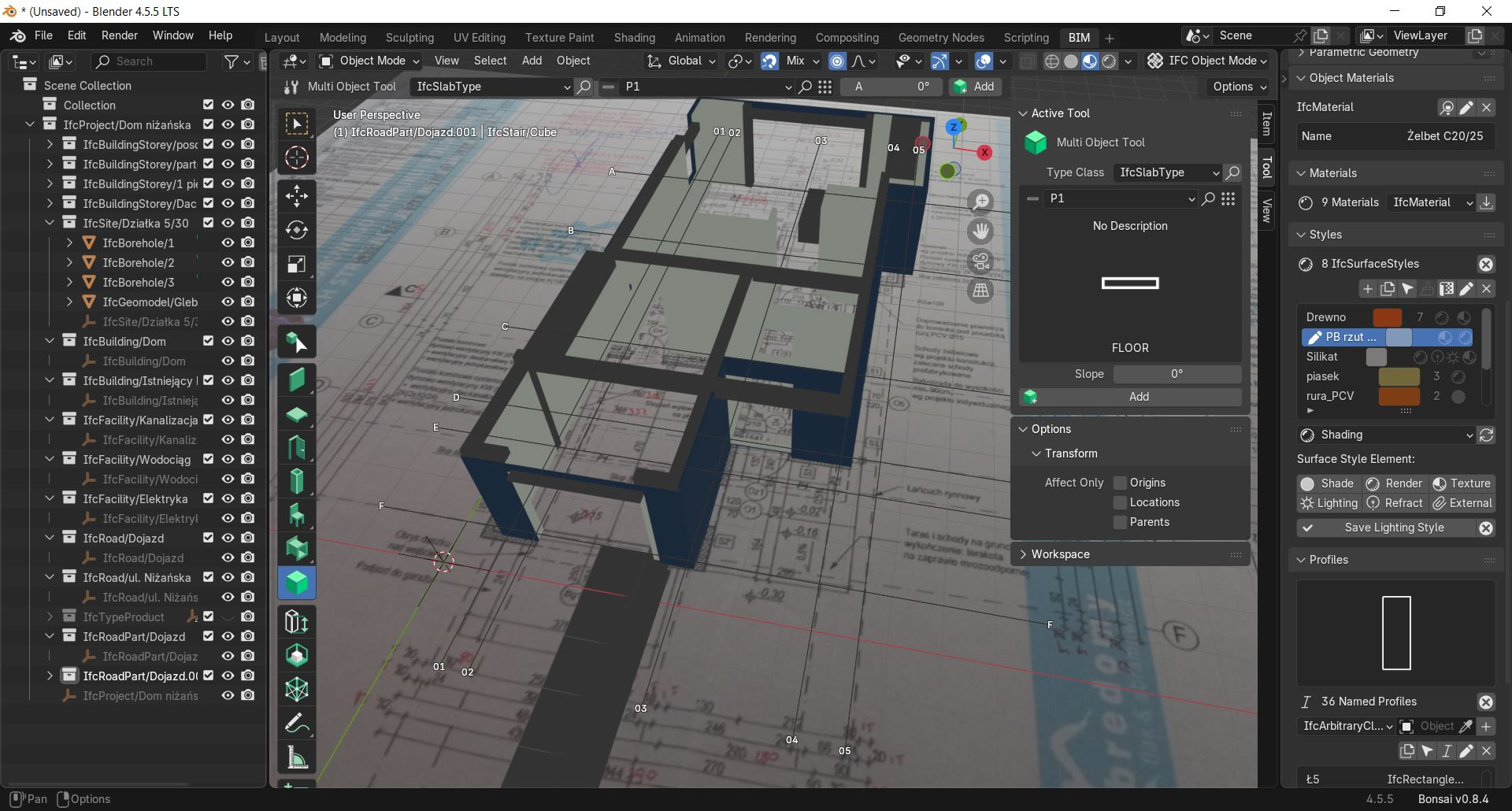
1. use the Measure tool to find a known dimension (best a long one) on the plan
2. use the scale tool and
3. press '=' to enter in formula mode
4. apply Dexpected/Dmeasured (the length of what indicated in the plan divided by the measured length).
Once scaled I use G to move it 'eyeballing' its position, AFAIK the only reference you have in an image is its center.
Hopefully someone with better skills here will add something to it
You can shift right click to set the position of blender cursor and then change the povot point to cursor in the top middle of your screen.
Sure, but I don't think you can 'grab' it from a specific point and snap it onto something as you would with the traditional G > B sequence (if the intention is to align the image with a grid line for instance), maybe because the image is an 'empty'?
But yes, either from top menu or by using " . " to set the pivot point from 3D cursor as reference for transformations, allows for scaling/rotating from a specific point.
Thanks
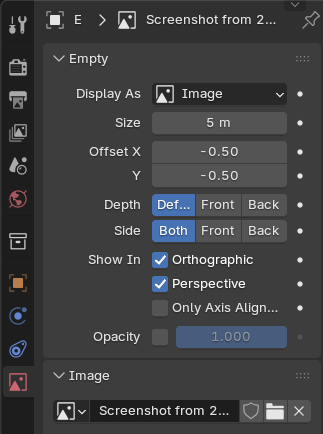
PS just found out that origin can be 'tweaked' by using its offset..



Comments
@LesarStache
do you mean scale it up to actual dimensions? I
1. use the Measure tool to find a known dimension (best a long one) on the plan
2. use the scale tool and
3. press '=' to enter in formula mode
4. apply Dexpected/Dmeasured (the length of what indicated in the plan divided by the measured length).
Once scaled I use G to move it 'eyeballing' its position, AFAIK the only reference you have in an image is its center.
Hopefully someone with better skills here will add something to it
For scaling the ifcreference image maybe you can use pr
https://github.com/IfcOpenShell/IfcOpenShell/pull/7207
See https://community.osarch.org/discussion/comment/26722#Comment_26722
You can test it if you load the "bleeding edge addon (bonsaipr)":
https://github.com/falken10vdl/bonsaiPR/releases
Cheers!
@falken10vdl nice one, I wonder if for just scaling the division method would be quicker?
Thanks
@steverugi yes, it is another optionn :)
You can shift right click to set the position of blender cursor and then change the povot point to cursor in the top middle of your screen.
@JanF
Sure, but I don't think you can 'grab' it from a specific point and snap it onto something as you would with the traditional G > B sequence (if the intention is to align the image with a grid line for instance), maybe because the image is an 'empty'?
But yes, either from top menu or by using " . " to set the pivot point from 3D cursor as reference for transformations, allows for scaling/rotating from a specific point.
Thanks
PS just found out that origin can be 'tweaked' by using its offset..