

G'day all, please read https://community.osarch.org/discussion/comment/29745/#Comment_29745 regarding a schedule to migrate forum software. Aiming to fully migrate on 15-16 Aug.
Bonsai | Changing Dimension Annotation Units

How can we change the units from metre to feet and vice versa in Plan Dimensions.
Comments
Also can we,
1. Change the precision of dimensions
2. Add an alternate unit with the primary unit. ( for e.g. <------------ 1m (3.28 ft) ------------> )
Got a solution! Don't know whether it's the right way. Is there any other way @theoryshaw @brunopostle @bruno_perdigao @JanF
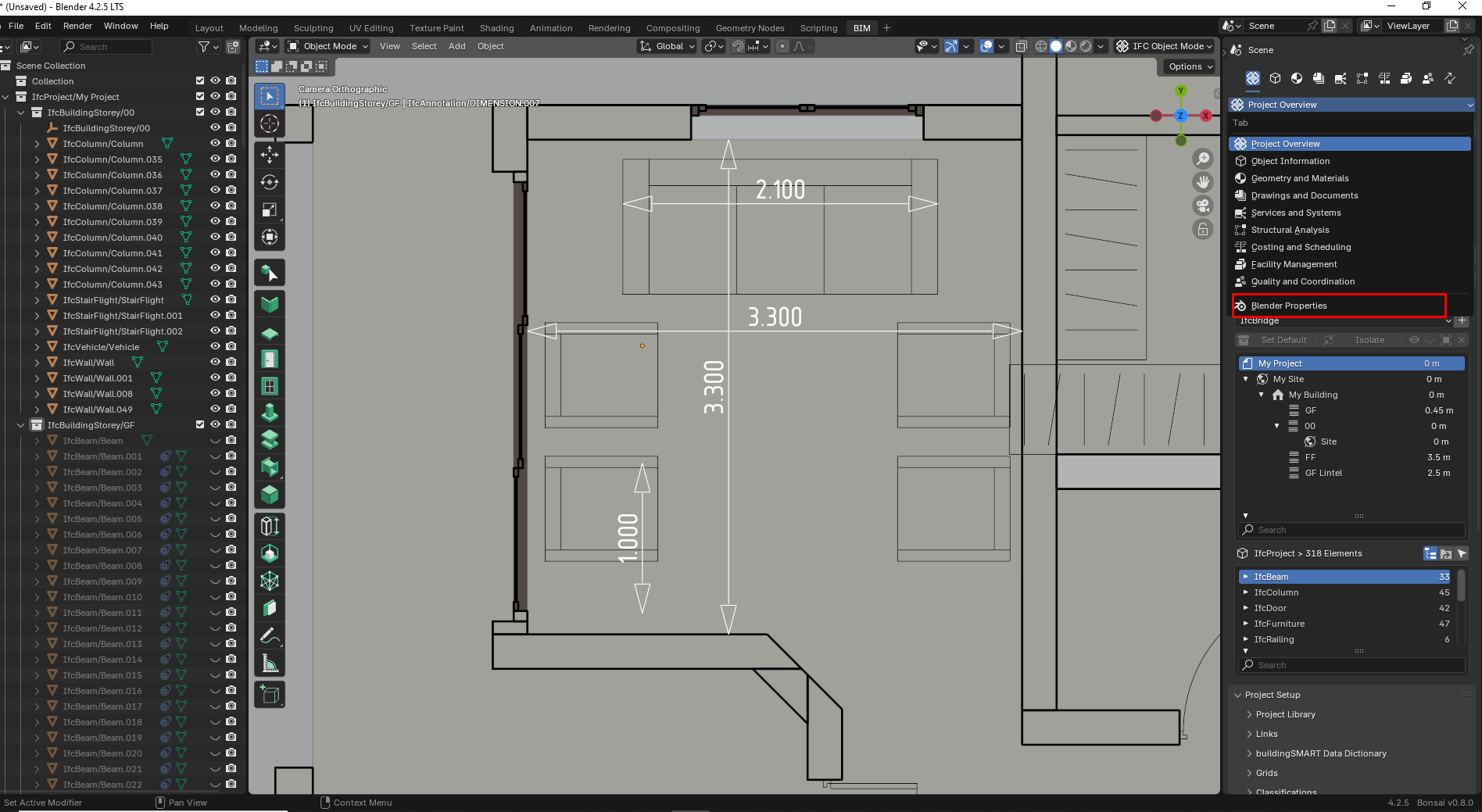
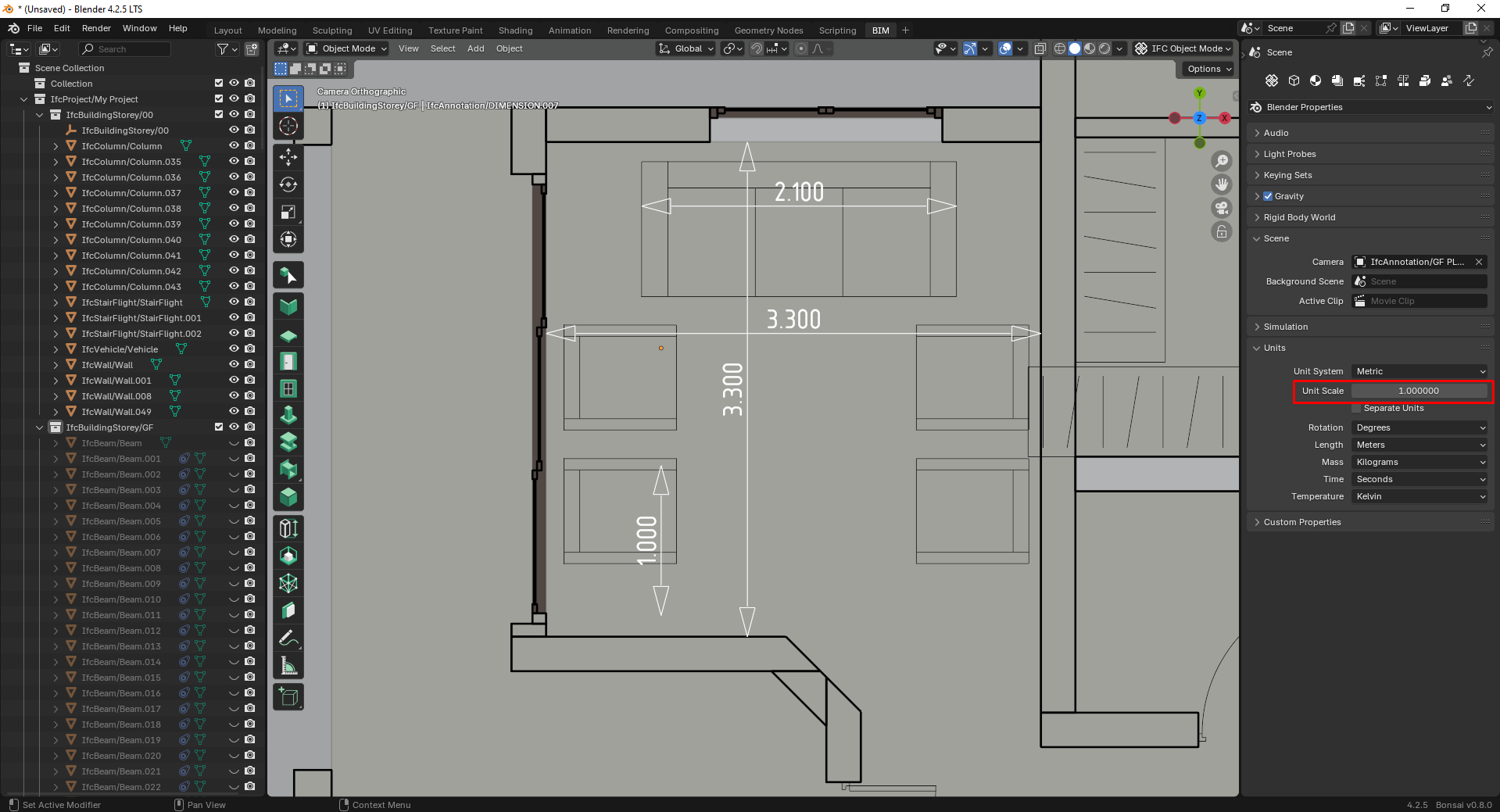
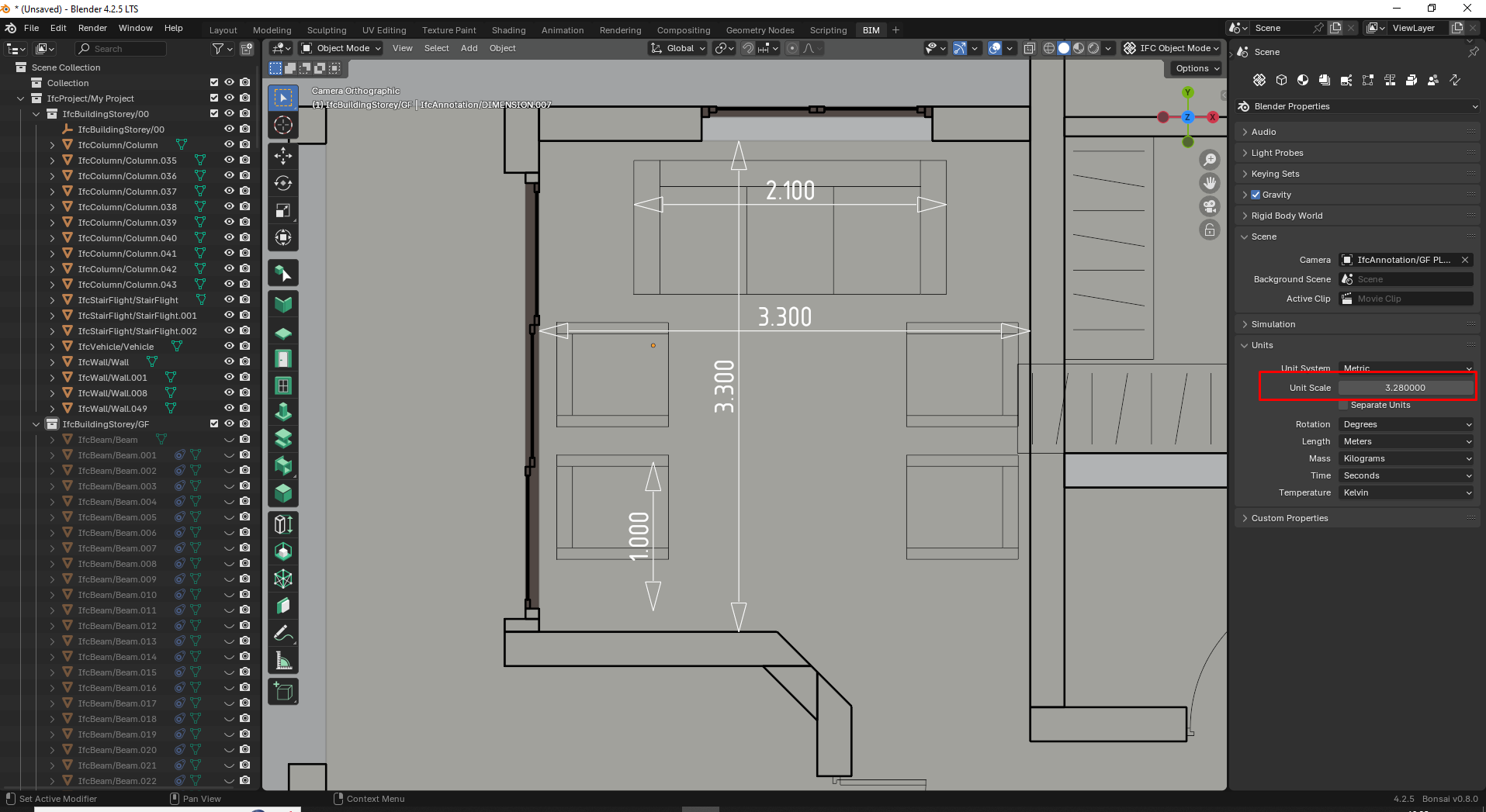
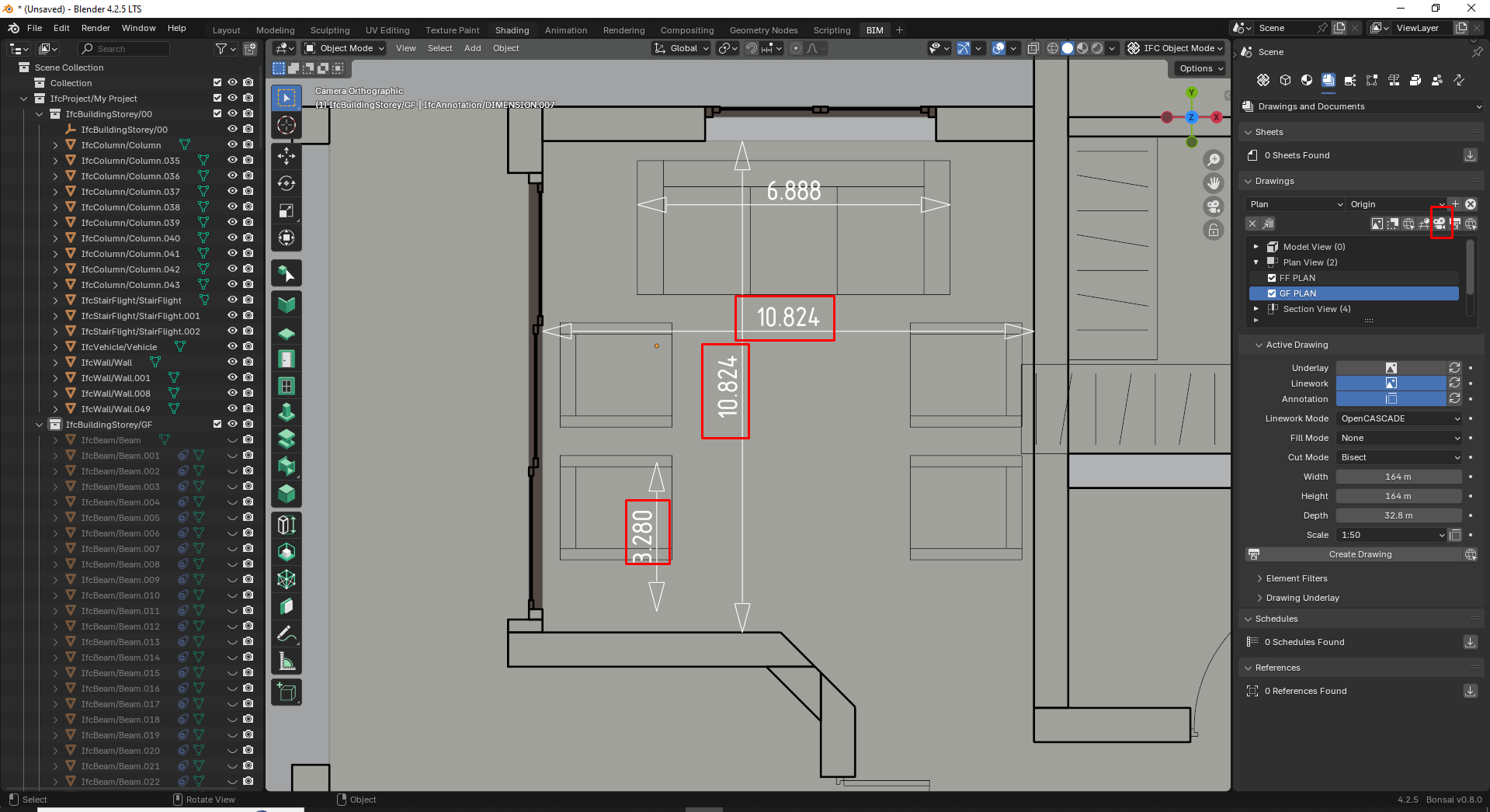
How to change the precision on drawing dimensions.
I think the method you used above, would only change during the blender session. That is, if you opened the .ifc anew, the units would reset back to the units in the .ifc file.
...
This functionality does not exist yet. Would be a good feature request.
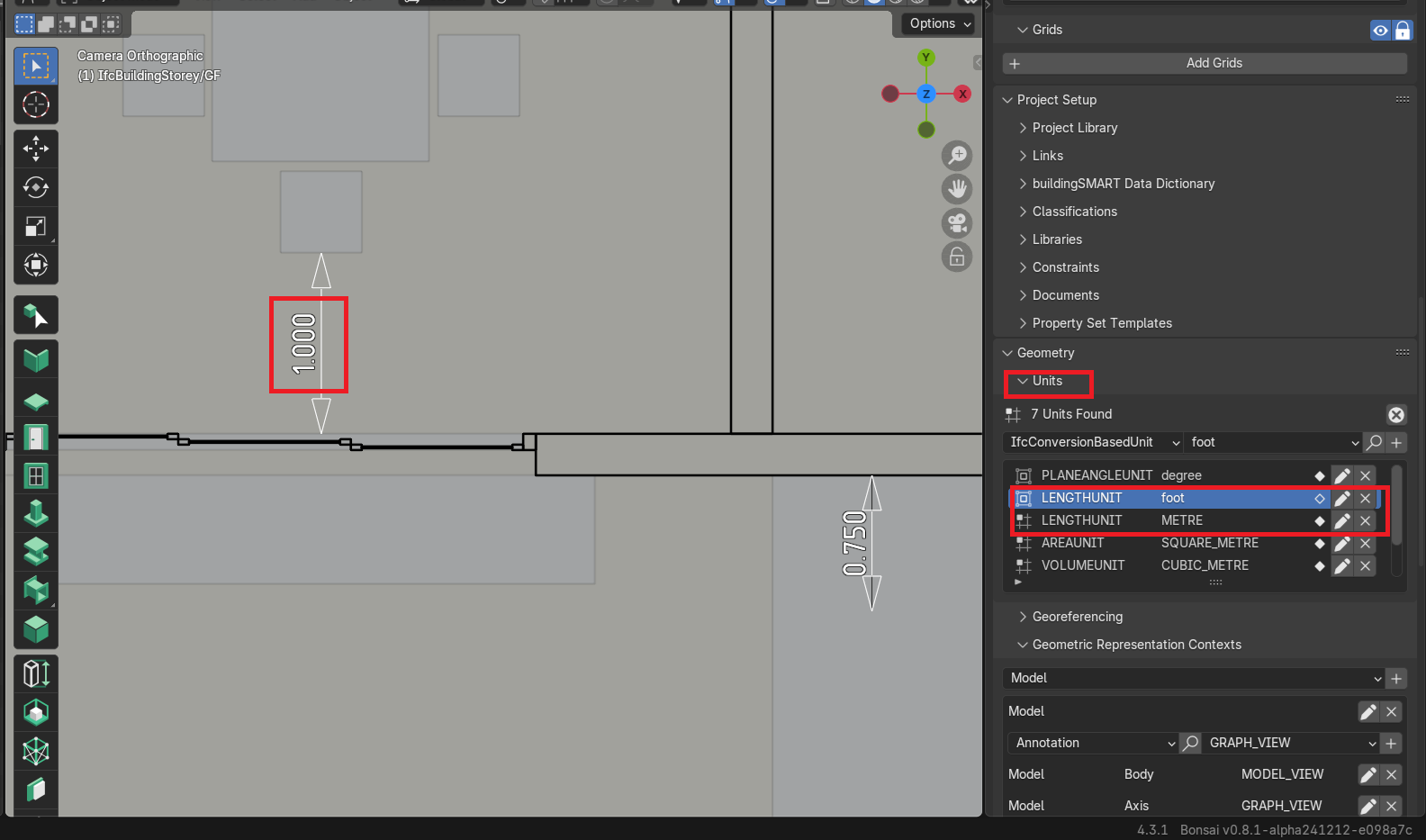
Is there a way I can change the units in the IFC file. I tried the Geometry>Units in the Projects Overview, but its not working.
Tried this method; it works fine. Thank you !
Yeah!
Try the
ConvertLengthUnitpatch...Thank you @theoryshaw , it worked . Is there any way I can format the dimension more simple in decimal points as shown below
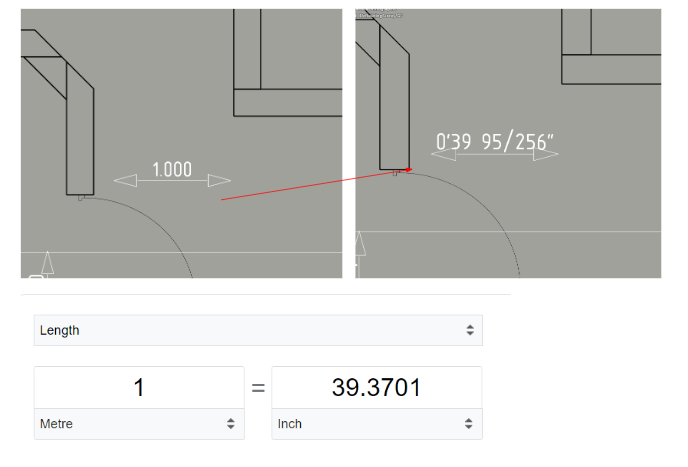
Sorry, i don't think that's possible. Would be a good feature request, if you'd like to post one.
i took a stab at it, but it needs refining...
https://github.com/IfcOpenShell/IfcOpenShell/pull/5922/files
@arunarchitect Also, you might know about this already, but you can round out the imperial fractions too, to 'clean it up' a little.
Nice😃
@bruno_perdigao came to the rescue!
https://github.com/IfcOpenShell/IfcOpenShell/commit/db1d8d938f3d15a6d94e71ee386bf6199294e5fc
...
If you'd like to help fund Bonsai development: https://opencollective.com/opensourcebim
How to display the area of space in square feets in the Space Tag, Is there a hack? Actually I dont want to change the project units to imperial, only the area.
Gah. Never mind. Numbers are totally wrong. Length, not area.
That field is only formatting. It does no conversion. So it would make 10.5 (representing 10.5 sqm) into 10' - 6" (representing a length that is completely wrong. There isn't an obvious way to do what you ask without changing your units. Maybe others have better suggestions.
Would be nice is the syntax supported simple math.
We live in a whole different world now, people.
https://github.com/IfcOpenShell/IfcOpenShell/pull/7411