

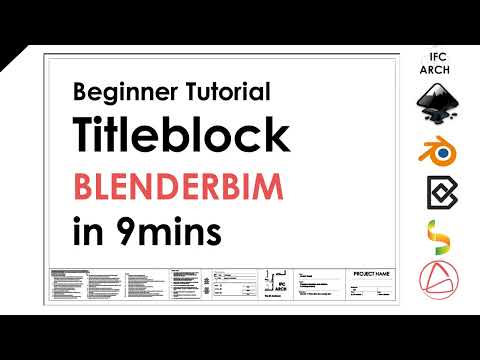
BlenderBim Beginner Tutorial - Custom Titleblock - in 9mins
This is a dedicated thread to discuss this video:
How to Install Inkscape here:
Ask any Q's here!
You can grab the title block from the video here to try out:
I've also added the A1 to A3 default title blocks
Tagged:









Comments
One thing missing from this video is how to arrange drawing(s) on the sheet.
When you create a drawing you can see the drawing size and position your building upon it. How do I then position that drawing on my sheet? Despite the building being perfectly placed on my drawing it's hanging half off my sheet.
Step 1) Ensure your drawing's scaling is correct so that the drawings will actually fit on the sheet. (You cannot scale the drawing in the later step 3.)
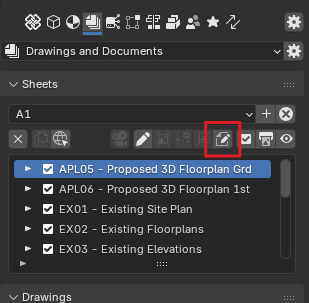
Step 2) Use the edit layout button of the sheet to open Inkscape* (for example) to edit the layout.
Step 3) Then in Inkscape you will have preview images of your drawings. You drag them to the correct page location, and save the layout.
Step 4) Now, when you re-create the sheets, it will replace the preview image with the svg drawing at these chosen page positions.
* You will have to set the "Layout SVG Command" in preferences for this to work. It will be something like:
Oh, I'll just add... You could edit the files outside of Bonsai/Blender by simply going to the layouts folder in your projects base folder, and editing the .svg layouts using whatever application your system offers up.
D'oh! How'd I miss that button?
Thank you @sjb007